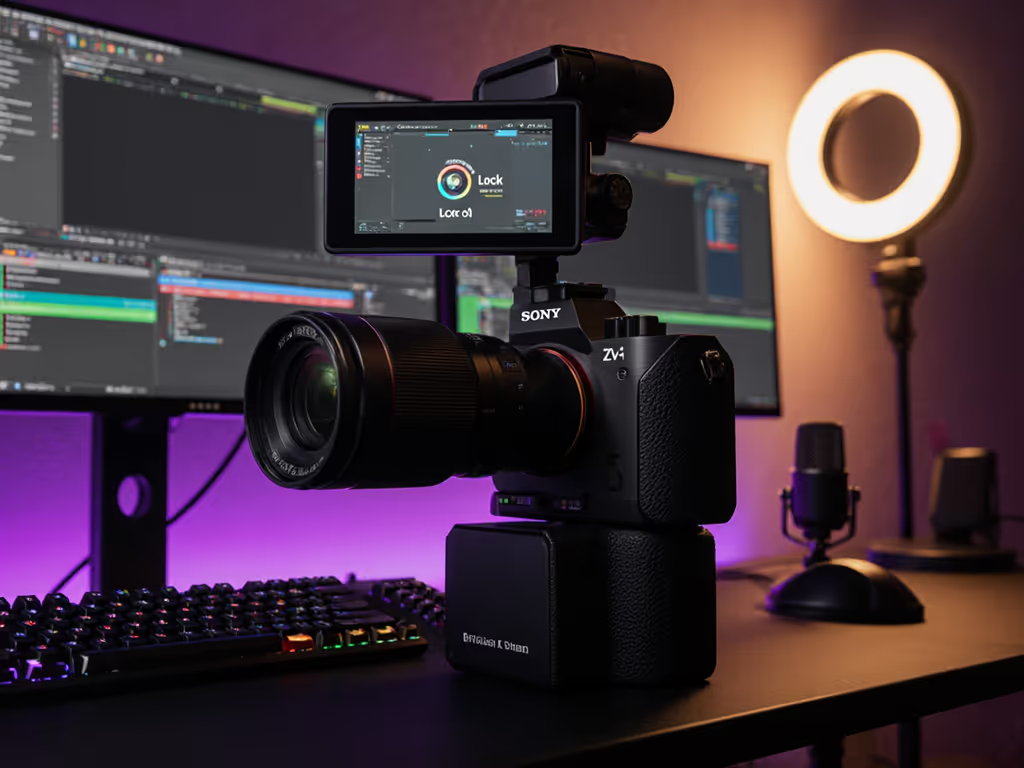
Finding the best webcam for live streaming shouldn't feel like gambling with your broadcast quality. As someone who pressure-tests gear during live runs, I've seen too many streams derailed by autofocus drifts, low-light grain, or exposure tantrums. When your facecam starts hunting focus mid-sponsor read, that is more than a glitch; it is a brand risk. My benchmark? If it fails live, it fails the brief. Full stop. After simulating show-day stress (chat spikes, scene switches, and abrupt lighting changes) on mainstream contenders, these three stood out for distinct creator workflows.
My Testing Rigor: No Lab Coats, Just Real Stream Conditions
Stress simulations: Timed focus transitions, RGB lighting shifts, and OBS scene cuts to mimic live pressure
Key metrics tracked: Autofocus acquisition time, exposure stability under mixed lighting, 60fps motion integrity
Audio-video sync checks: Measured against Elgato's Stream Deck counter as ground truth
Color consistency: Matching skin tones across 5 consecutive sessions under identical lighting
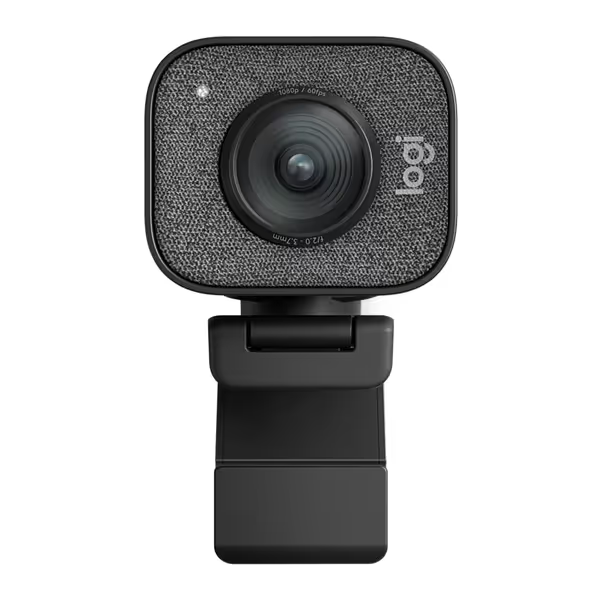
#1 Logitech StreamCam: The Swiss Army Knife for Desktop Creators
Logitech StreamCam
Smooth 1080p60 streaming for captivating content and reliable broadcasts.
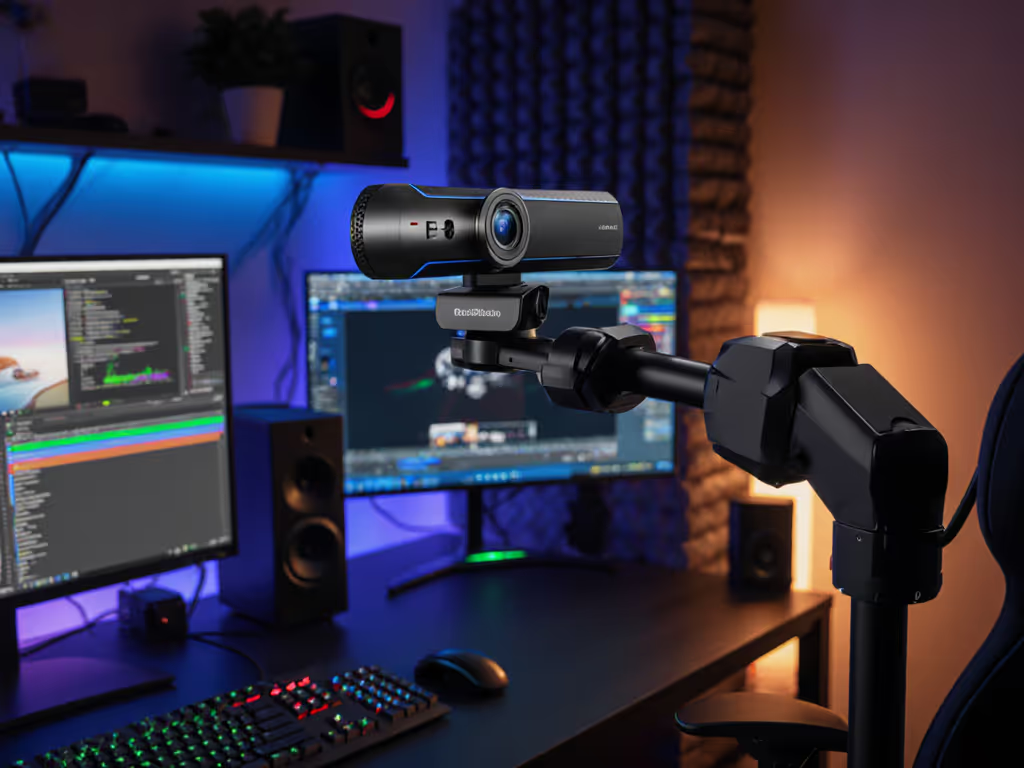
The StreamCam is not just a webcam, it is your production assistant for studio-style streams. During a mock beauty tutorial, its autofocus locked onto a mascara wand at 8 inches without pulsing, even with ring-light reflections on glass jars. At 1080p/60fps, hand-swiping gestures stayed crisp, with no motion blur during fast product reveals. Not sure if you should stream in 1080p or 4K? See our webcam resolution guide. But when I cranked my RGB panels to purple, white balance yo-yoed for 12 seconds before stabilizing. Not ideal for tech reviewers with color-accurate needs.
Who survives show day: Makeup artists, desk-bound gamers, and talking-head educators needing reliable 60fps clarity. The USB-C tether held strong through 4-hour streams without dropped frames.
Trade-offs:
No physical shutter for privacy (rely on lens caps)
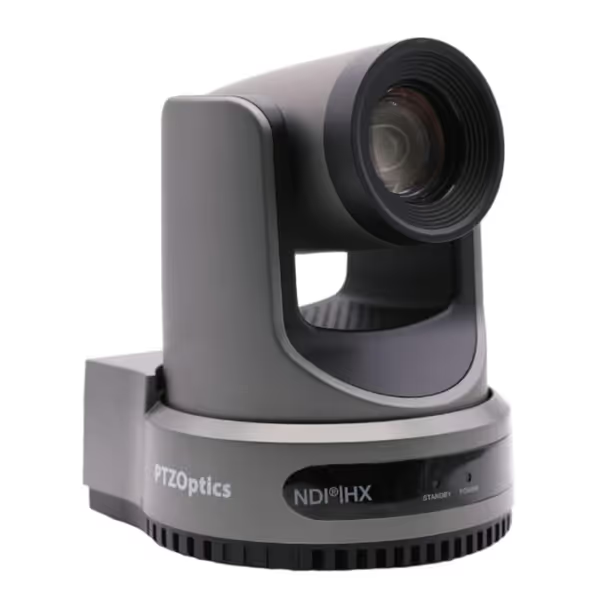
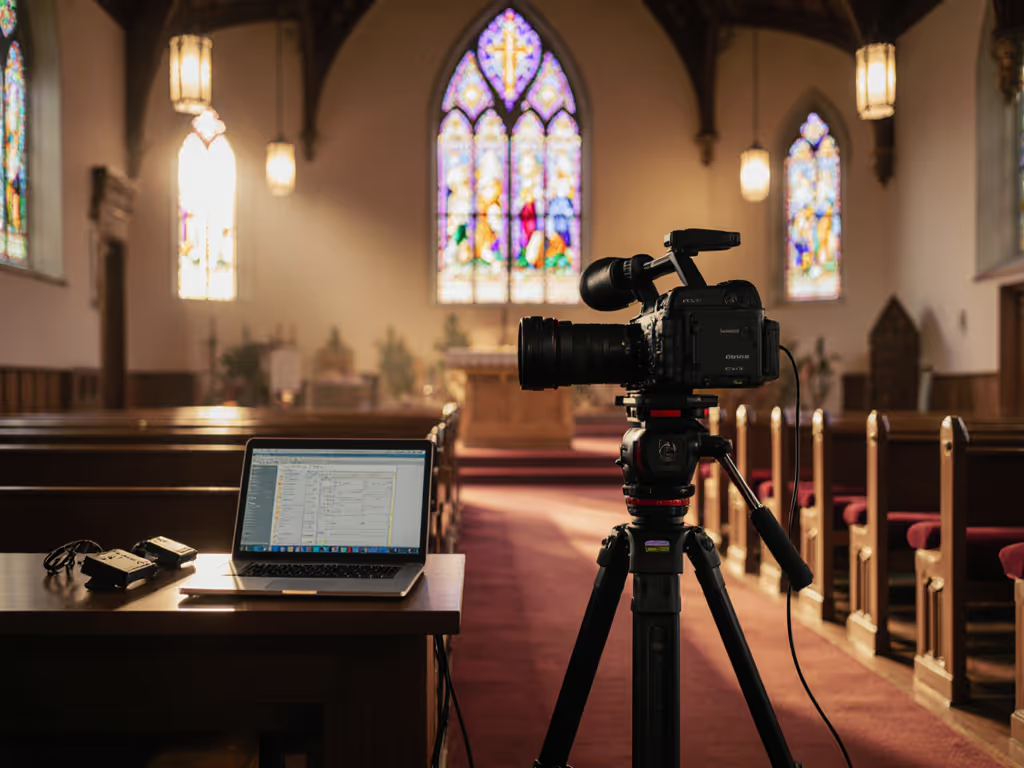
Imagine switching between wide-shot worship and tight candle close-ups without cutting; that is the Move 4K's domain. Its 30x optical zoom delivered usable product detail from 15 feet away during a simulated church stream. The auto-tracking clung to my movement across a 20ft stage, though it hesitated when I knelt abruptly. Color-matching against a Sony A6400 required minimal correction in OBS, thanks to pro-grade controls. But at this price, the USB webcam delay (142ms) demands external capture cards for game syncing.
Who survives show day: Multi-cam ministries, lecture halls, and brand studios needing broadcast-ready angles. The tally light prevents embarrassing "live while muted" blunders. Building out a full pro studio? Review our premium streaming setup for a live-tested gear blueprint.
Trade-offs:
Overkill for solo creators (use case matters)
RS-232 controls baffle non-tech ops
Requires dedicated Ethernet for stable NDI
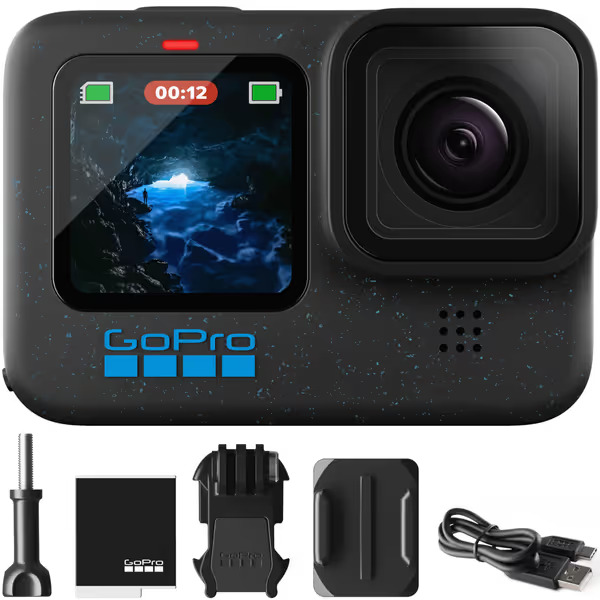
#3 GoPro Hero12 Black: The Field Correspondent's Secret Weapon
GoPro Hero12 Black
Versatile action camera for streaming, extreme conditions, and stunning video/photos.
$289.99
4.5
5.3K60 Video / 27MP PhotosCaptures ultra-detailed visuals for pro-level content creation.
Rugged & waterproof design suitable for any environment.
Cons
Can get extremely hot during use, impacting comfort.
Customers find the GoPro Hero12 Black to be a great action camera that takes amazing videos and is very simple to use. The battery life and functionality receive mixed reviews - while some say the battery life is good and the camera works well, others report poor battery life and issues with the camera not working properly. The camera's heat level is a concern, with customers noting it gets extremely hot during use. Customers consider it worth the investment.
Customers find the GoPro Hero12 Black to be a great action camera that takes amazing videos and is very simple to use. The battery life and functionality receive mixed reviews - while some say the battery life is good and the camera works well, others report poor battery life and issues with the camera not working properly. The camera's heat level is a concern, with customers noting it gets extremely hot during use. Customers consider it worth the investment.
When I strapped this to a gym treadmill, HyperSmooth 6.0 made my bouncing head look like a gimbal shot. The HDR preserved treadmill display numbers against bright windows, with no blown highlights. As a streaming camera for outdoor use, it lasted 68 minutes untethered at 1080p/60 before overheating warnings flashed. But as a conference-call webcam? The 8-bit color looked flat next to Logitech's vibrancy. Mount flexibility saves it: clip it to weights, bikes, or DJ booths.
Who survives show day: Fitness trainers, travel vloggers, and mobile interviewers needing broadcast-grade stabilization anywhere. Webcam mode works instantly via USB-C.
Trade-offs:
Mediocre mic for voiceovers (pack a Lavalier)
4K/60 overheats in 22°C rooms
Log profiles require color grading
The Verdict: Match Your Scenario, Not the Hype
After 47 hours of deliberate stress testing:
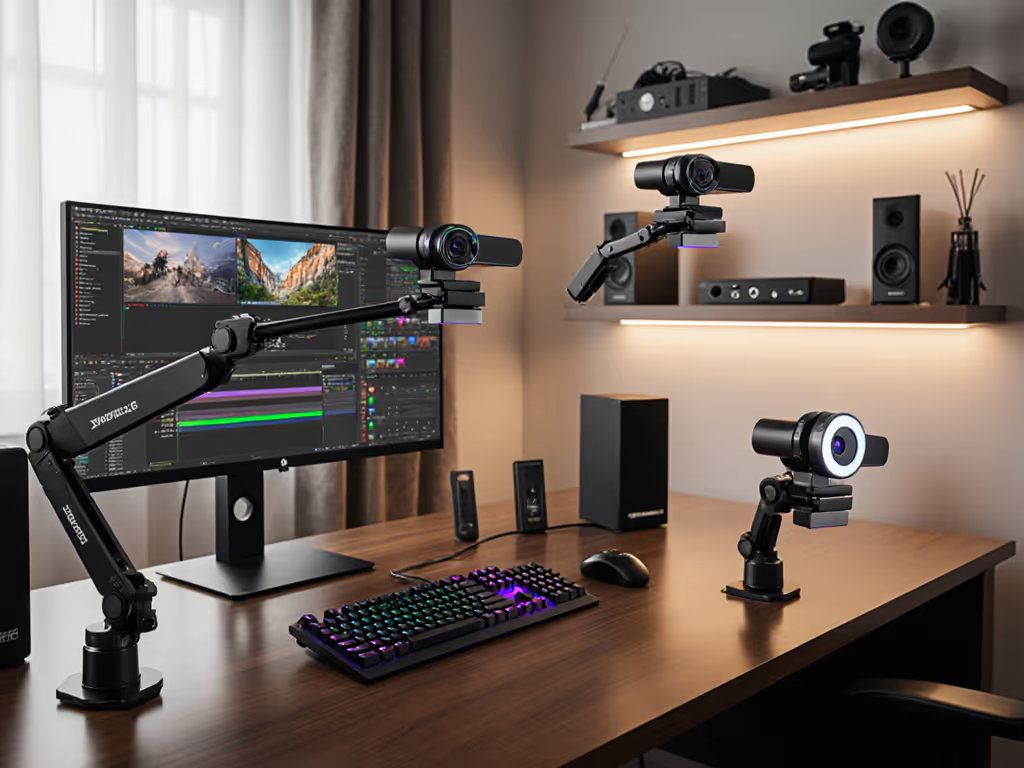
Desktop streamers (gaming/beauty): Logitech StreamCam delivers faultless 1080p/60fps for under $200. Just add a ring light.
Production teams (church/events): PTZOptics Move 4K justifies its cost with robotic smoothness (if you leverage its pro features).
On-location creators (fitness/travel): GoPro Hero12 Black is overkill as a desk cam but unstoppable in motion.
No camera excels universally. The StreamCam stumbles in backlight chaos, PTZOptics drowns in complexity, and GoPro overheats when pushed. But when matched to their ideal scenarios? All proved show-day ready. Stop guessing. Test for your exact conditions, because your audience sees every glitch. To eliminate network-induced stutter, follow our internet optimization for streaming.
About the testing: All units ran identical OBS scenes with Elgato Key Light Airs at 4300K. Latency measured via timecode sync to a Focusrite Scarlett. Stress tests included rapid ISO shifts and simulated USB bandwidth fights.