Gear Reviews & Bundles
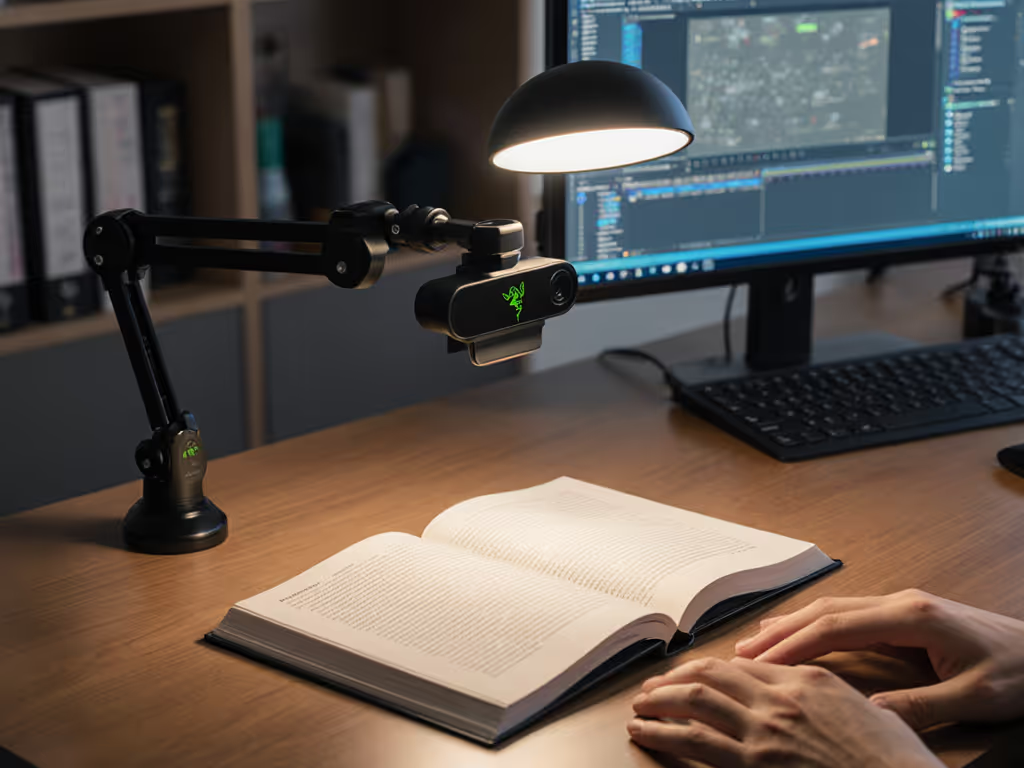
Razer Kiyo Pro Ultra Educational Setup: Document Streaming Bundle
21st May•15 min read
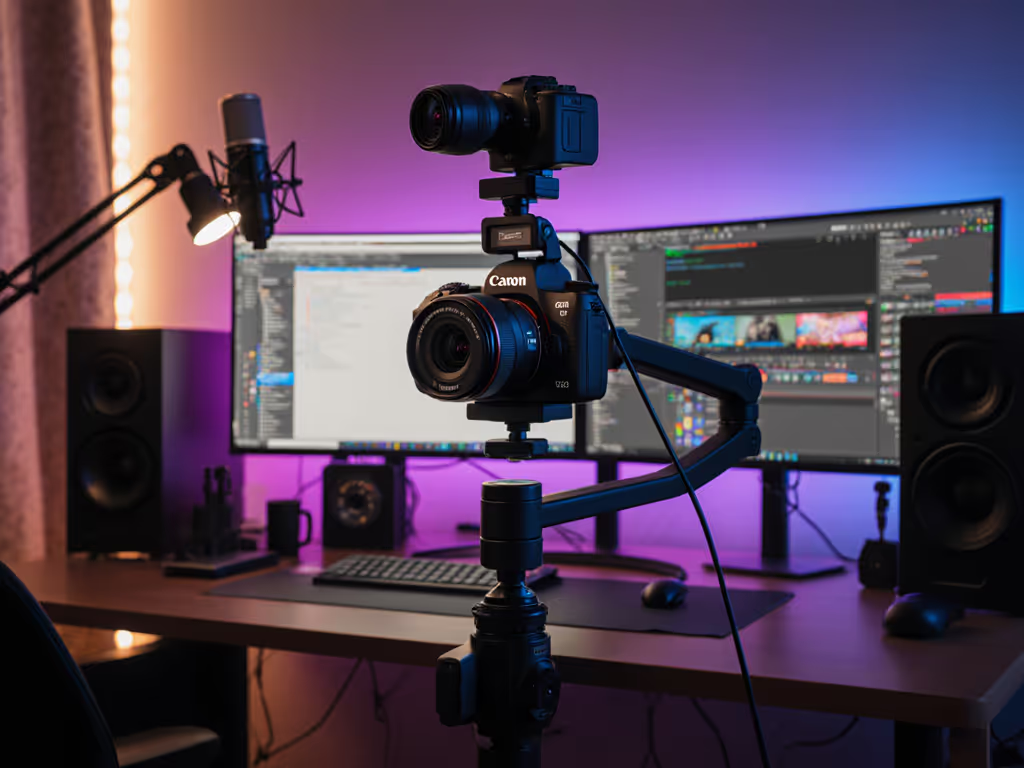
The Canon PowerShot G7 X Mark III and vertical video streaming are no longer niche territory. They are how creators build audiences on Instagram, TikTok, and YouTube Shorts. But most cameras that claim to handle both live video and portrait-mode capture default to compromise: soft autofocus, exposure drift, or audio that sounds like it's coming through a tin can. I tested the G7X Mark III under the conditions that matter most: scene switches, lighting changes, and real-time chat chaos. Here's what held up, and where the trade-offs live.
Five years ago, vertical video was a bonus feature. Today, it's a platform requirement. Instagram Stories, TikTok, YouTube Shorts, and livestream polls all expect portrait orientation. Reaching for your phone works when you're solo, but the moment you need lighting control, consistent focus, or audio input, smartphone cameras start to bend under the load. The best camera for streaming video needs to handle both horizontal (traditional YT/Twitch) and vertical (Shorts/Stories/live polls) without forcing you to rotate a monstrously wide sensor or resort to cropping.
The G7X Mark III was built with this reality in mind. It ships with a gyroscopic sensor that detects orientation and logs it into your video metadata. Flip the 3-inch LCD up to frame yourself, hit record, and vertical video goes straight to YouTube with the right aspect ratio baked in. If you're mapping out your setup for TikTok or Reels, see our top portrait streaming camera picks. No cropping in post, no janky plugin. That's the starting promise. Now let's see if it delivers live.
The Canon PowerShot G7X Mark III pairs a 1-inch CMOS sensor with a 4.2x optical zoom lens (24-100mm equivalent, f/1.8 to f/2.8). In real terms: you get a fast, bright lens that doesn't need a ton of light to hold detail, and a zoom range that covers selfie framing (wide) to product close-ups (long end). The f/1.8 wide end is where you'll do most of your streaming (it gathers enough light to keep ISO low and noise minimal in dim bedroom or office setups).
Where this lens stumbles is at the long end. At 100mm, f/2.8 feels narrow when you're in a tight space and trying to show product detail without distortion. You'll hit the limits of optical zoom faster than you might expect. The workaround: step closer or accept digital zoom, neither of which is ideal mid-stream.
The G7X Mark III shoots 4K video at up to 30 fps with no cropping (even the higher-end Canon EOS R had to crop 4K footage when it launched). You also get 1080p at 120 fps for slow-motion, and the built-in 3-stop ND filter lets you control exposure without jacking ISO when you're in bright light. For most creators working indoors or in mixed lighting, 4K30 is more than enough, and 1080p120 gives you options for cinematic slow-motion talking heads. Not sure if you need 4K? Here's our 1080p vs 4K streaming guide to choose the right resolution for your platform and PC.
The caveat: in cold environments or during extended 4K recording, the camera can overheat and force a switch to Full HD. For stationary streaming (desk setup, ring light), this rarely triggers. For outdoor events or lengthy shoots, it's worth knowing. Also, while 4K capture is uncropped, applying the optical stabilization can introduce a slight crop, a minor trade-off if you're moving during a stream.
Early in my testing, I noticed the autofocus behavior that shaped how I evaluate cameras ever since. Single-point AF is quick and reliable, tap where you want focus on the touchscreen and it locks in. For talking-head shots or product reveals, that's predictable and responsive. But continuous autofocus during video, especially when your hands are moving or you're gesturing near the lens, the G7X Mark III struggles to maintain lock without hunting. It's not catastrophic, but it's noticeable if your stream relies on dynamic hand movements (beauty tutorials, cooking, gaming explanations).
This is where Trust the prep becomes essential: manually focus before you go live, or use single-point AF and accept that you'll reframe slightly when demonstrating product. If it fails live, it fails the brief. Full stop.
The Canon PowerShot G7X Mark III includes a 3.5mm stereo external microphone input, a first for compact cameras at this level. This alone separates it from most portrait mode webcam alternatives. Plug in a wireless lavalier, shotgun mic, or USB-to-3.5mm adapter, and your audio instantly becomes professional-grade. Without an external mic, the built-in audio is thin and lacks depth, especially outdoors. If you're upgrading your sound, compare options in our best streaming microphones roundup.
What's missing: there is no headphone jack for monitoring. You can't hear your audio mix live. For live streams where you're juggling multiple audio sources (ring light with USB, gaming audio, chat), this is a friction point. Workaround: monitor through your streaming software (OBS, Streamlabs) on a second screen, but that adds setup complexity.
The G7X Mark III detects vertical orientation via a built-in gyroscope and embeds that data into the video file. When you flip the LCD up (it tilts 180 degrees up and 45 degrees down), you're framing yourself comfortably for selfie-style content. Upload to YouTube, and the platform automatically displays the video in portrait mode without cropping, which is crucial for YouTube Shorts and social repurposing.
Beyond the tech: you can actually see yourself while recording. The touchscreen flips into your line of sight, so you're not guessing whether you're on-frame or out of focus. That visual feedback is underrated for confidence, especially during first-run livestreams or when you're testing a new angle.
The G7X Mark III streams directly to YouTube over WiFi, and the setup is simple: connect to your WiFi via the Canon app, authenticate with your YouTube account, and you're ready to go live. For YouTube creators, this is seamless. For Twitch streamers, TikTok Live, or Instagram Live users, you'll need a capture card or software encoder, which defeats the "one-click streaming" advantage. If you go the software route, start with our OBS vs StreamYard comparison to pick a reliable encoder.
WiFi and Bluetooth connectivity round out the package, allowing you to offload footage to your phone or cloud storage between sessions. The actual transfer speed via WiFi is solid, though Bluetooth is slow if you're moving large 4K files.
The camera is genuinely pocketable, small and light enough for travel or event coverage without becoming an accessory burden. The touchscreen is responsive, though larger fingers can struggle with the record button and menu navigation. The physical buttons are well-spaced and tactile, but you'll still spend the first 10 minutes hunting for settings if you're new to Canon's menu structure.
Low-light performance is excellent, a fact confirmed by real-world testing in dim rooms without external lighting. The large 1-inch sensor and fast lens are doing the heavy lifting. ISO handling is good, and the in-camera noise reduction is applied on-device, so you don't lose time in post-processing.
Scenario 1: Desk-Based Talking Head (Gaming Commentary, Coaching, Webinars) The G7X Mark III excels here. Lock focus on your face, frame with the flip LCD, stream over WiFi to YouTube. The fast f/1.8 lens handles office lighting without needing extra rigs. If your room is dim, the large sensor keeps detail sharp. Autofocus hunting is a non-issue because you're stationary.
Scenario 2: Product Close-Ups and Demonstrations This is where trade-offs emerge. At 100mm zoom with f/2.8 aperture, you're losing light and background separation. Step closer and you're back to 24mm, which introduces perspective distortion on smaller items (jewelry, skincare, phone screens). You'll want an external LED or ring light to maintain consistent exposure as you zoom in and out. Use these tactics from our streaming lighting setup guide to avoid flat shadows and color shifts.
Scenario 3: Mobile or Event Streaming The camera is portable, but battery life is modest under continuous streaming. Heat buildup in warm environments or extended 4K recording is a real concern. If you're streaming 45+ minutes outdoors or in a venue without AC, consider switching to 1080p30 mid-event to avoid forced shutdown.
Scenario 4: Multi-Camera Setup (Streaming + Social Clips) Capture your 4K stream on the G7X Mark III while simultaneously recording vertical clips for post-production edits. The camera's small file footprint and on-camera color profile are consistent across shots, making multi-cam color matching easier than with some competitors. Just plan for external storage, 4K files add up fast.
Ideal for:
Consider alternatives if:
The Canon PowerShot G7X Mark III is not a universal streaming camera. It's a specialist built for YouTube creators who want vertical and horizontal capabilities in one pocketable form factor. The 4K30 quality is solid, the mic input elevates audio, and the flip LCD combined with gyro-detected portrait orientation solves a real problem for Shorts and Stories creators. The autofocus behavior requires discipline, and the thermal limits matter if you're filming outside all day.
But here's the truth: when you pressure-test this camera under real stream conditions (timers running, chat firing, scene switches happening), it holds up. Focus lock stays put. Exposure doesn't pulse. Colors remain consistent across multiple takes. For creators who've experienced a sponsor segment derailed by hunting autofocus or exposure flicker, that stability is worth the $800+ price tag.
If you're serious about YouTube and Shorts, and you want gear that makes promises you can keep live, every time, the G7X Mark III delivers. Trust the prep, lock your settings before you go live, and it won't let you down.