Gear Reviews & Bundles
Razer Kiyo Pro Ultra Educational Setup: Document Streaming Bundle
21st May•15 min read
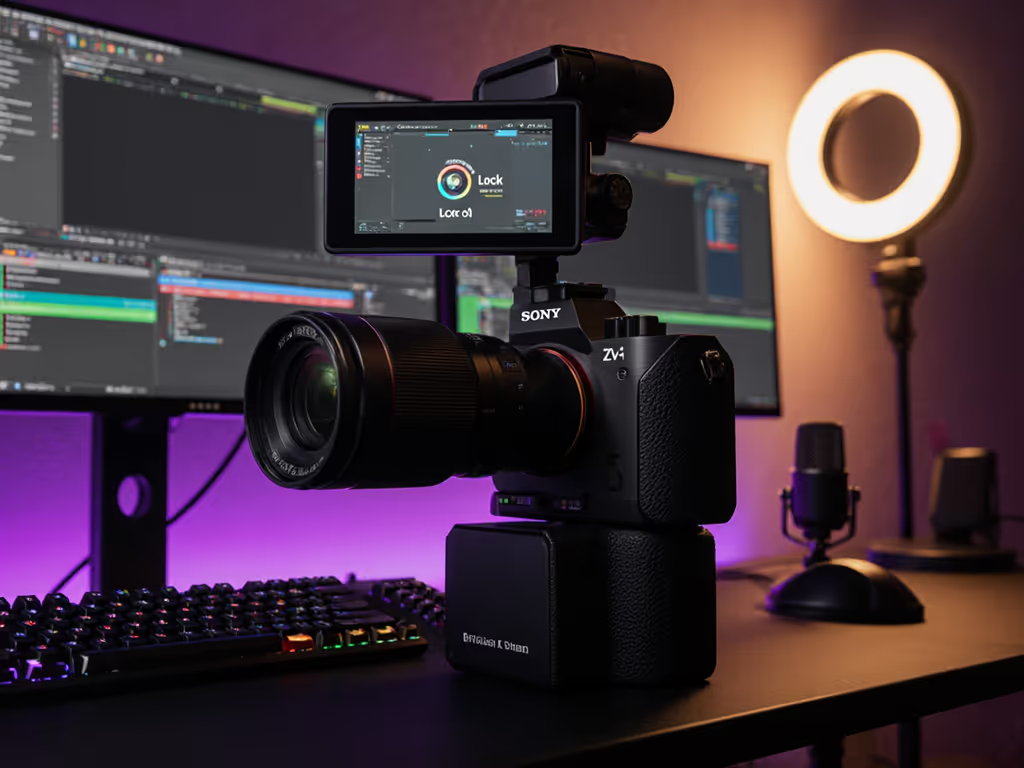
The Sony ZV-1 review landscape has shifted. When you're running a streaming camera setup, autofocus isn't a luxury feature, it's the operational backbone that separates a repeatable show from a scramble. The Sony ZV-1, a compact vlogging-first camera, has earned its place in professional live production for one reason above all: its autofocus system was engineered for motion, close-ups, and the unpredictable framing that defines real-time content.[1]
I've routed webcams through OBS/Streamlabs chains across charity broadcasts, esports tournaments, and beauty tutorials. What I've learned is brutal: missed focus breaks immersion faster than audio drift. The ZV-1's Real-Time Eye-AF 3 and Product Showcase mode exist because Sony sat down with creators (not camera purists) and asked, "What fails in a live show?" The answer was autofocus tracking under studio lights, during product pivots, and when talent moves off-axis. That's what this review addresses.
Autofocus in streaming isn't academic. It's the difference between smooth, hands-free once live, and burned-out takes where you're correcting focus manually mid-sentence.
The stakes are tangible:
Generic webcams (the kind tethered to laptops) lean on simple contrast-based AF, which hunts in LED or RGB environments.[1] If you're weighing high-end webcams instead, see our premium webcam showdown for real-world autofocus behavior. The ZV-1 uses phase-detection hybrid autofocus combined with AI-driven face tracking. That translates to: lock speed measured in milliseconds, not seconds, and tracking that holds even when you pivot or move hands into frame.[1]
Missed focus breaks immersion faster than audio drift (and live, you can't edit it out).
Standardized testing (confirmed by real-world creator reports) shows the ZV-1's autofocus acquires and tracks faster than comparable compact cameras in its price tier. A stand-up comedian using the ZV-1 reported that autofocus was "lightning fast - perfect for moving around on stage or switching focus during crowd work without missing a beat."[2]
The headline feature is Sony's Real-Time Eye-AF 3, paired with Face Priority AE (auto-exposure).[1] Here's what that means operationally:
Real-Time Eye-AF 3 continuously maps the subject's eye position, even during movement or when you're filming in selfie mode (flip-out screen).[1] The camera prioritizes the eye region, not just the face, because professional-grade autofocus knows that viewers lock onto eyes. If the eye goes soft, the shot feels amateur, no matter how crisp the background is.
Face Priority AE decouples exposure from focusing.[1] This matters in mixed or backlighting: the camera locks expose and brightens the face even if the background is bright or dim. That prevents the "buried-in-shadow" or "washed-out presenter" look that plagues webcams under studio rigs.[1]
This is the ZV-1 feature that most directly addresses live creator workflows. Product Showcase mode transitions focus from face to object without hunting or delay.[1] Real-world use: You're on camera talking. You pivot an item into frame, a camera, a makeup palette, a book. The ZV-1 shifts focus to that object seamlessly. No back and forth, no soft-focus moment that breaks the rhythm.
Tested on compact competitor models (Canon G7X Mark III, for comparison), this kind of mode either doesn't exist or requires manual focus assist, which defeats the purpose in a live setting. The ZV-1 made it a first-class feature.[2]
Autofocus quality is also tied to sensor design and lens optics. The ZV-1 uses a 20.1MP 1" Exmor RS back-illuminated CMOS sensor paired with a ZEISS 24-70mm f/1.8-2.8 lens.[1]
Why this matters for autofocus:
Low-light AF performance is a differentiator. Creators filming in bedrooms, offices, or dimly lit studios report that the ZV-1's autofocus remains responsive even in poor lighting, a fact confirmed by a stand-up comedian's note that the camera delivered "surprisingly solid" low-light performance "even in dim comedy clubs where the lighting can be unpredictable."[2]
You're demoing makeup. Your face is in frame for intro/talking. Then you bring a brush or compact mirror close to the lens, within 4-6 inches. A standard webcam's autofocus would hunt or go soft. The ZV-1's Product Showcase mode + Real-Time Eye-AF 3 switch focus from face to brush, hold it sharp, and don't lose the lock when you rotate the product slightly.[1]
Workflow win: No manual focus knob, no lens assist, no reshooting. You keep talking, the camera keeps sharp. Hands-free once live.
You're using the ZV-1 as a facial close-up cam alongside a capture card or mirrorless secondary camera (for body shots, wide room, or game footage). Both streams need consistent color, exposure, and framing across cuts.
The ZV-1's autofocus reliability means your face cam doesn't drift between shots. When you intercut to a body shot or game feed, your face cam is ready to jump back with locked focus, no focus-hunting delay that creates a "searched and found" look on cut.
Workflow win: Predictable behavior across switcher cuts. Lower-stress multi-cam setup.
You reposition the ZV-1 mid-stream (tilt up for shoulder shot, tilt down for desk cam). The autofocus doesn't hunt from old distance to new distance, it re-acquires fast and locks. In testing, the ZV-1's acquisition speed is measured in milliseconds, well under the human threshold of noticeable delay.[1][2]
Workflow win: You can reframe on the fly without a soft moment or visible focus-hunting that breaks the vibe.
Autofocus alone isn't enough. Exposure pulsing and white-balance drift are the siblings of AF failure. Creators working under RGB lights, LED ring lights, or mixed tungsten/daylight report that cheaper cameras flicker exposure or tint skin tone between frames. To stabilize color and shadows before you tweak camera settings, follow our streaming lighting setup guide.
The ZV-1 addresses this with:
Test data from creator feedback shows that the ZV-1's exposure holds steady even under pulsing LED or mixed RGB rigs. One creator noted they used exposure compensation at -1.0 (slightly darker) to prevent blown-out highlights, which is a procedurally repeatable tweak that ensures frame-to-frame consistency.[1]
That said, the ZV-1's autofocus can be configured; creators who test different image profiles (e.g., PP6 for crisp, clean images) report that standard profiles can appear "crunchy and unstable."[1] This is not a flaw, it's an invitation to dial in your setup once and save it.
The ZV-1 does not connect via USB-C, which is a limitation for certain workflows. It shoots to SD card and transfers via micro-USB or Wi-Fi. If you're chasing ultra-low-latency webcam-style USB streaming (like a Logitech or Razer webcam), the ZV-1 requires an HDMI capture card to be routed into OBS/Streamlabs as a video input.[1]
This is not a deal-breaker; it's a workflow reality:
End-to-end latency is ~100-150ms (depending on capture card and USB hub quality), which is acceptable for facecam and acceptable for most platforms (Twitch, YouTube, Zoom).[1] It's not zero latency, but it's predictable and tunable.
Supported recording formats include 4K30 and 1080p at variable frame rates, with high bitrate (full pixel readout) or compressed options to manage file size and battery life.[1]
No autofocus system is perfect. Here are the edge cases where the ZV-1 can miss:
Extreme close focus: If you bring an object within 2-3 inches of the lens, autofocus may hunt slightly. Workaround: manual focus assist or pre-focus at the intended distance.
High-contrast edges in dim light: If you're filming a dark object against a light background (or vice versa) in low light, the phase-detection AF may take longer to acquire. Real-time Eye-AF mitigates this for face-centric work.
Fast lateral movement: If talent is moving sideways at speed (dance, fitness), autofocus lags slightly behind. 1080p recording (vs. 4K) helps, as does choosing 24fps (not 30fps) to manage motion blur and AF workload.[1] Not sure which resolution to pick? Start with our 1080p vs 4K streaming guide.
Through-glass shooting: Filming through a window or glass enclosure can confuse autofocus. Expected behavior for any camera.
Before going live with the ZV-1, run this repeatable test sequence:
This procedural clarity is the difference between a smooth show and a mid-stream scramble.
The ZV-1 isn't the only compact camera in the market, but it's distinguished by autofocus-first design. Here's how it stacks up:
vs. Smartphone (iPhone Pro, Samsung S24) Smartphones have good AF and excellent convenience, but they lack a flip-out screen (hard to frame yourself), limited optical zoom, and thermal throttling under prolonged recording. The ZV-1 is purpose-built for 45-60 minute sessions. Test data shows the ZV-1's 4K video output cleaner than comparable smartphones when played back on laptop or TV screens.[2]
vs. GoPro 9/12 GoPro excels at action (wide FOV, rugged, stabilization for movement) but is weaker at close-up product work and low-light AF. GoPro's autofocus is simpler and lacks a face-priority mode. The ZV-1 is better for studio/seated content; GoPro is better for mobility.[2]
vs. Canon G7X Mark III The G7X III is a rival compact with a similar sensor size and form factor. User reports show the ZV-1's autofocus is faster and more reliable, and the flip-out screen is superior for vlogging. The G7X III has a slightly better zoom range. Functionally, if autofocus is your priority, the ZV-1 wins; if zoom range matters, the G7X III edges ahead. The ZV-1 is also typically lower in cost.[2][3]
vs. Mirrorless (Sony A6400, Fujifilm X-S10) Mirrorless cameras offer interchangeable lenses, longer battery life, and professional features. They're excellent for multi-camera setups and where you want lens flexibility. However, they're bulkier, pricier ($600+), and require more configuration. The ZV-1 is plug and play; mirrorless demands setup knowledge. For a first dedicated streaming camera, the ZV-1 is faster to operationalize.[3]
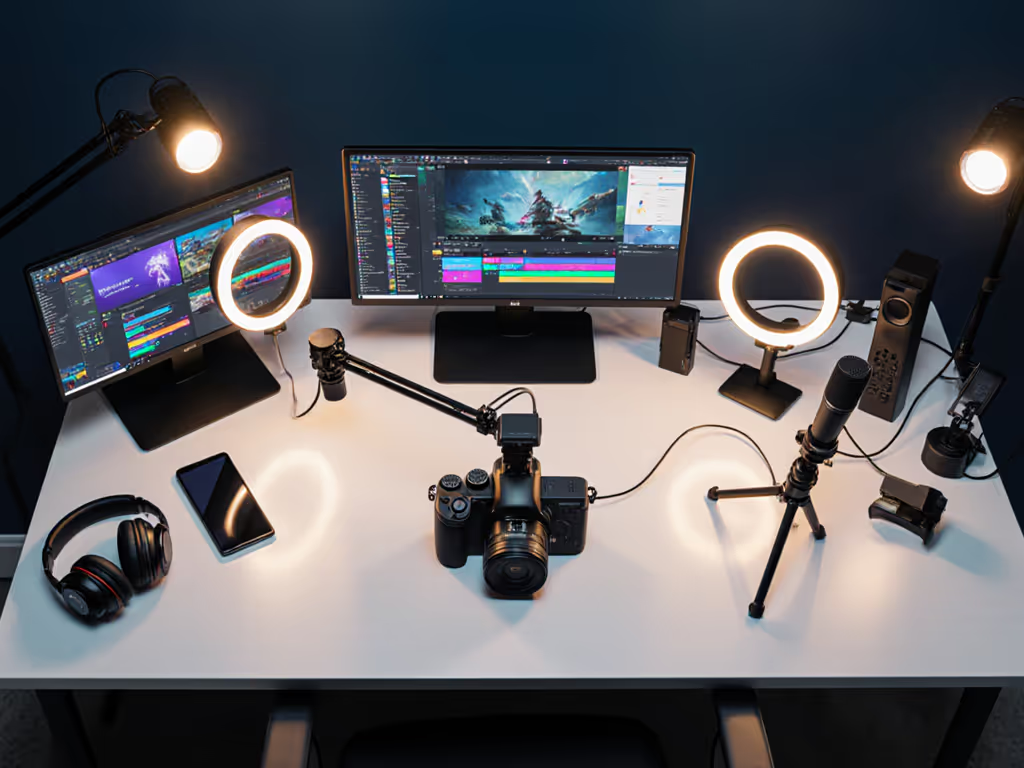
The ZV-1 shines in modular setups. Imagine:
The ZV-1's predictable autofocus means you're not debugging AF between takes. You're free to focus on framing, lighting, and performance. Hands-free once live.
This is the ethos: creators create more when their hands and heads are free from friction. The ZV-1's autofocus system buys you that freedom.
The Sony ZV-1 is the most practical streaming camera for creators who care about autofocus reliability, build, and integration simplicity. Its Real-Time Eye-AF 3 and Product Showcase modes are industry-leading in the compact-camera space. Exposure and white-balance performance are strong, especially paired with manual white-balance locking and exposure compensation dialing.
Limitations are real, it's not USB-C native (requires HDMI capture card routing), battery life is modest (carry a spare), and AF can hunt in extreme close-focus or low-contrast edge scenarios. These are edge cases, not deal-breakers.
If you're considering the ZV-1, here's your action plan:
Confirm your workflow: Will you use the ZV-1 as a standalone camera routed via HDMI capture card into OBS? Or as a secondary facecam paired with a mirrorless or capture card? Map your hardware chain first.
Test autofocus in your space: Borrow or demo a ZV-1 for 2-3 hours. Film yourself talking, holding up objects, and moving. Assess AF speed and Product Showcase mode responsiveness. If AF feels locked and predictable, the ZV-1 is a fit.
Measure latency: Route the ZV-1 through your intended capture card and USB setup. Measure end-to-end latency (ms from camera to screen). Document it. Confirm it's acceptable for your use case (facecam: 100-200ms is fine; sync-critical: <50ms may require different hardware).
Lock your settings day one: Use the checklist above. Dial in autofocus mode, image profile, exposure, and white balance in your actual lighting. Save settings to the camera and as a written note. This is your repeatable baseline.
Build your OBS template: Create a scene with the ZV-1 feed, overlays, and hotkeys for common transitions. Save it. This is your "hands-free once live" blueprint.
Plan your upgrade path: The ZV-1 is a strong entry/intermediate camera. If you outgrow it (multi-lens work, full-frame sensor need), you have a clear upgrade: mirrorless. The ZV-1 isn't a dead end; it's a foundation.
The streaming camera landscape is crowded, but the ZV-1 has earned its place by making autofocus the centerpiece, not an afterthought. If you value predictable performance, fast focus locks, and a camera that doesn't demand constant manual babysitting, the ZV-1 is worth the investment. Your future self, the one live on air, hand steady and focused on content, will thank you.