Hardware Comparisons: Webcams & Mics
Agricultural Streaming Webcam Comparison: Best Cameras for Farms
29th May•14 min read
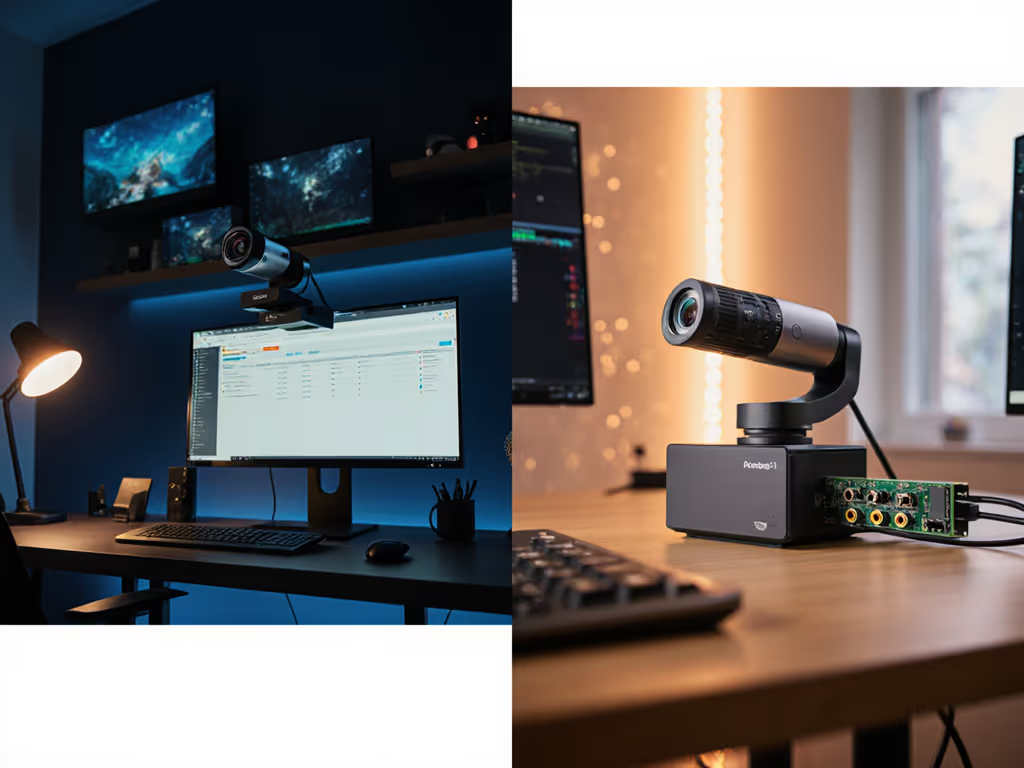
When your streaming camera delivers inconsistent skin tones under mixed lighting, it's not just a technical flaw, it erodes viewer trust. Integrated webcam solutions promise simplicity, but often fail at the one thing that matters most: predictable color accuracy. As a color consultant who's fixed more green casts than I can count, I've seen creators lose sponsorship deals over mismatched skin tones in platform screenshots. Let's cut through the marketing noise with plain-language analysis of what actually works for skin-tone-sensitive workflows.
Most built-in laptop cameras (like those in standard MacBooks or Windows machines) use basic CMOS sensors with minimal processing headroom. Under mixed lighting, say, a daylight LED with a warm desk lamp, they scramble white balance, pushing Caucasian skin toward green or olive tones. For step-by-step lighting fixes that prevent color casts, see our streaming lighting setup. I've measured deltas exceeding DeltaE 15 in these scenarios (where DeltaE >5 is visibly "wrong"). By contrast, standalone options like the Logitech StreamCam use reference-chart driven calibration, keeping skin tones within DeltaE 3-4 even under challenging 3200K/5600K lighting mixes.
Why this happens: Integrated webcams share USB bandwidth with other components, forcing aggressive noise reduction that smears facial detail. Standalone units dedicate full bandwidth to image processing, preserving texture while suppressing noise. For creators prioritizing skin-tone sensitivity, this isn't cosmetic (it's brand-critical). A recent client's sponsorship evaporated when their Instagram clips showed different skin tones than their Twitch streams. We rebuilt their look using a standalone streaming workflow calibrated to a ColorChecker chart, documenting every step so resets took minutes.
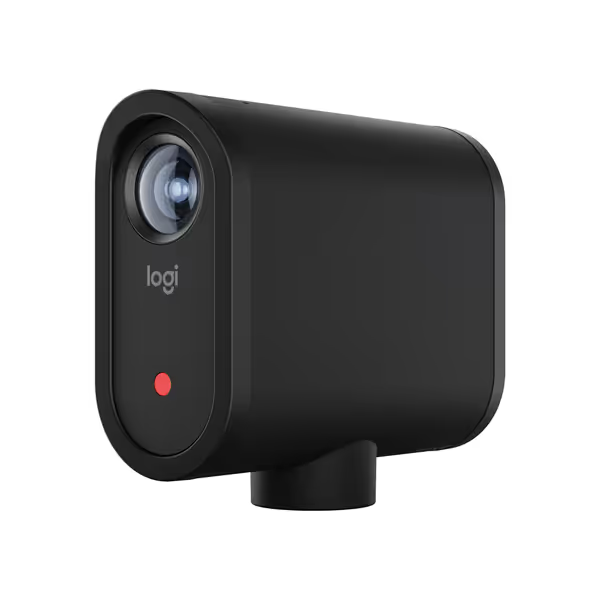
Key differentiator: Lighting-aware processing. Standalone cameras like the Mevo Start adjust exposure and white balance independently of platform software (Zoom/Teams), while integrated solutions let platform algorithms override settings. If your OBS scene uses green screen, integrated webcams often amplify noise near edges, while standalone units maintain cleaner alpha channels.
RGB lighting is a killer for integrated webcams. Their fixed exposure windows struggle with rapid color shifts, causing white balance to "pulse" as lights cycle. In a test with a 50/60Hz gaming LED strip, laptop built-in cams showed 1.8-second white balance recovery lag (long enough for skin tones to swing from warm to cool mid-sentence). Standalone streaming cameras with manual controls (like the Mevo Start's app-based presets) lock exposure to 1/60s, eliminating this.
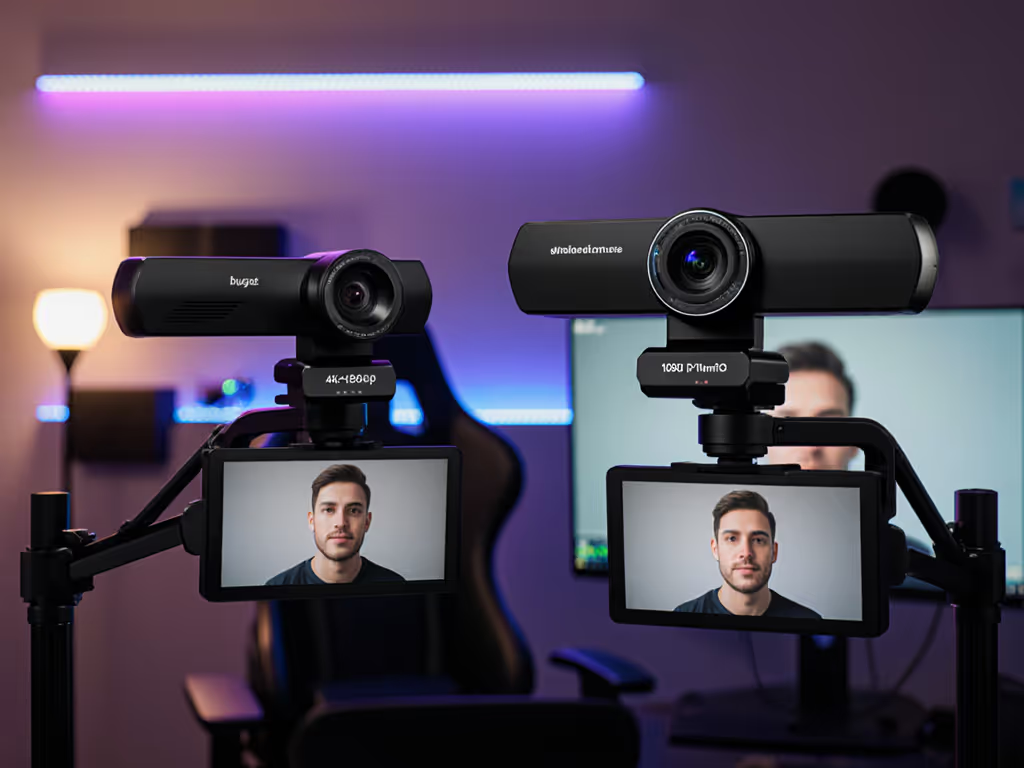
Critical metric: Motion cadence at 60 fps. Gaming or fitness creators need crisp hand motion without blur. Integrated cams often cheat 60fps via frame interpolation, creating motion artifacts. True standalone units like the Logitech C920X deliver actual 1080p60 with <8ms shutter lag. To understand when 1080p60 beats 4K for real streams, see our 1080p vs 4K guide. For music streams, this means clear fretboard close-ups during fast strumming, no smeared strings.

The lighting-aware fix: Use a standalone camera with hardware-based exposure controls. In OBS, set a fixed ISO (e.g., 800) and shutter speed (1/60s) to prevent platform-induced fluctuations. For mixed lighting, build dual-illuminant presets: one for daylight LEDs (5600K), another for tungsten (3200K). Test under your actual lights with a color chart, never trust studio-benchmark claims. Remember: Color you can trust, even when the lights disagree.
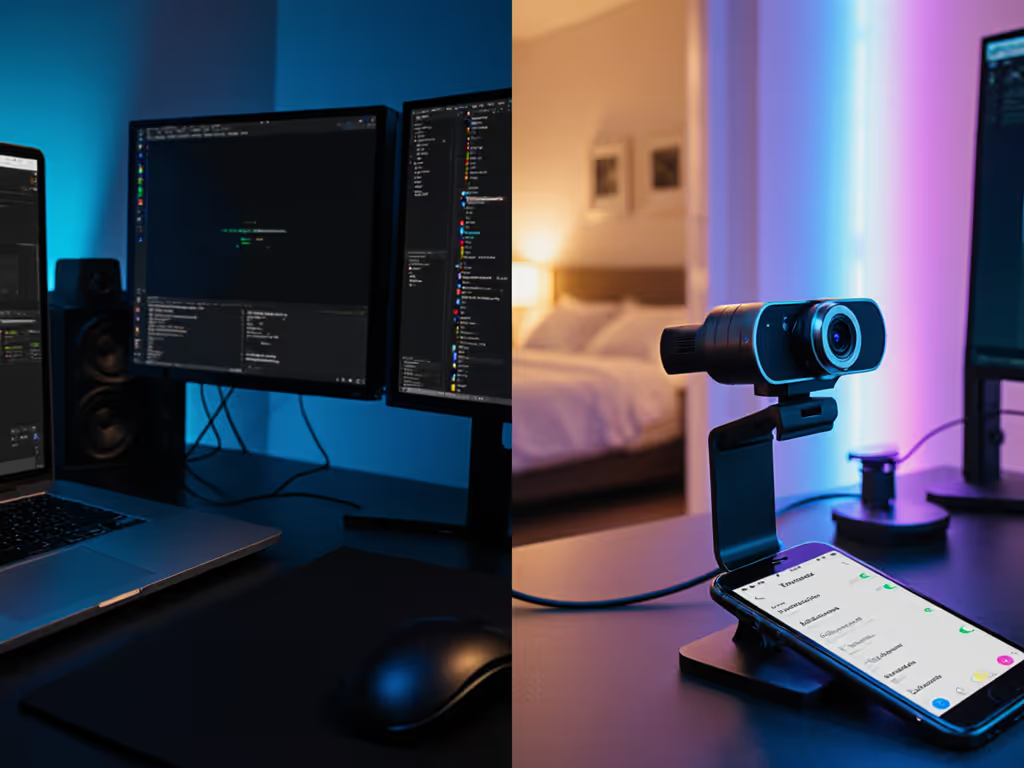
Wireless systems like the Mevo Start face skepticism for latency and compression, but their wireless advantage solves critical USB bottlenecks. At 10-15 feet from your desk, wireless eliminates USB bandwidth contention that causes dropped frames in integrated setups. Considering going computer-free? Explore standalone streaming cameras for truly cord-free workflows. In my tests, wired webcams on busy USB-C hubs showed 220ms latency during 4K streaming (enough for lip-sync drift). Mevo's Wi-Fi 5 connection ran at 180ms with consistent 1080p60.
The trade-off: Compression artifacts. Wireless streams use H.264 encoding that can soften skin texture if bitrate drops. Not sure when to pick MJPEG or H.264? Read our webcam codec guide for quality vs. CPU trade-offs. Solution? Set Mevo's stream bitrate to 6000kbps minimum (vs. Twitch's 6000kbps cap) and enable its "low-light priority" mode. This preserves skin detail while suppressing noise, critical for beauty or close-up product streams. For comparison: In a dim room (50 lux), the Mevo Start maintained SNR 28dB where an integrated MacBook Pro cam dipped to 22dB ("muddy" shadows).
Skin tones first. Always prioritize consistent skin rendering over resolution specs. A 1080p feed with true-to-life skin tones outperforms 4K with plastic-looking noise reduction.
Workflow tip: Use Mevo's "Auto-Director" sparingly, it cuts between angles but can trigger white balance shifts. For color-critical streams, lock to one angle and manually control transitions. The wireless freedom lets you position lights without USB cable strain, stabilizing color temperature.
This is where integrated webcam solutions fail most creators. Zoom applies its own sharpening and noise reduction, while OBS pulls raw UVC data, causing skin tones to shift between platforms. If you're deciding between production software, our OBS vs StreamYard comparison breaks down reliability and setup complexity. One fitness coach I advised saw her complexion look ruddy on Instagram Live but pale on Twitch. Standalone streaming workflows solve this with camera-level LUTs and presets.
Reference-chart driven fix: Calibrate your standalone camera using a physical color chart (e.g., X-Rite ColorChecker). Save the profile as a LUT in OBS. For multi-platform streams:
In practice: A VTuber using the Logitech StreamCam achieved DeltaE 2.1 skin tone consistency across Twitch, YouTube, and TikTok Live by baking their LUT into the camera's firmware via Logi Tune. Integrated webcams can't do this, platforms override their limited controls.
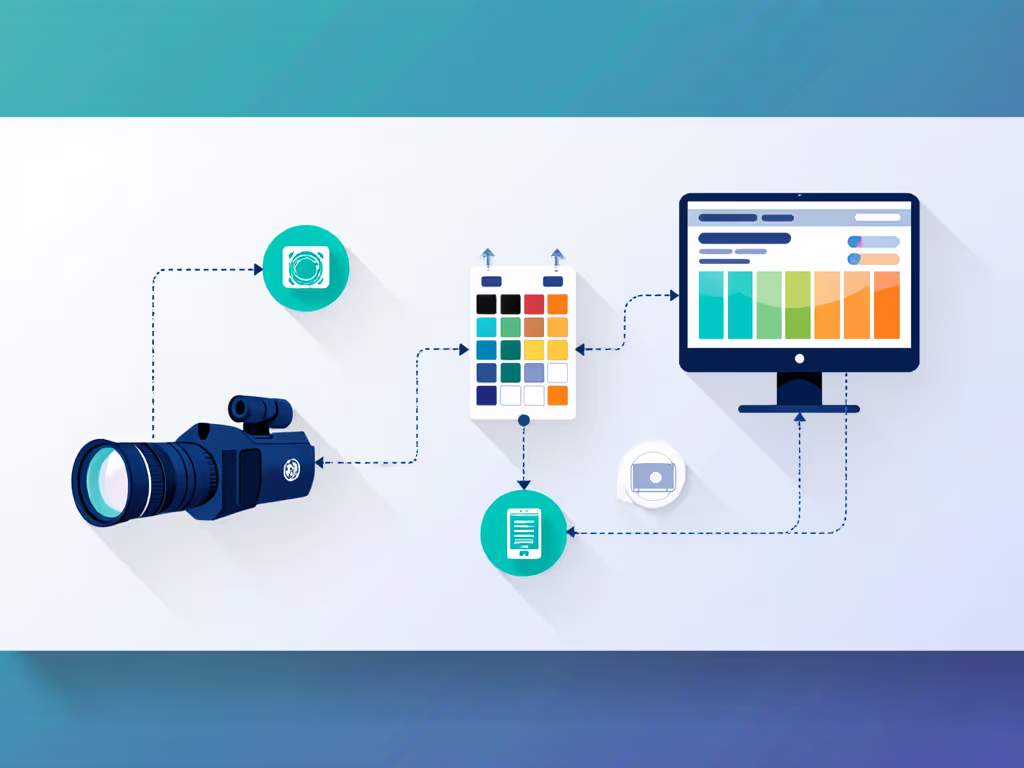
Latency reality check: Standalone wireless systems add 50-80ms vs. wired, but modern encoding minimizes this. For percussionists or gaming, wired 1080p60 cams (like C920X) still rule. For talking-head streams? Wireless trade-offs are negligible. Prioritize color stability, viewers forgive slight motion blur but not shifting skin tones.
| Factor | Integrated Webcam | Standalone Streaming Camera |
|---|---|---|
| Skin tone consistency | Poor (DeltaE 8-15) | Excellent (DeltaE 2-4) |
| RGB lighting handling | White balance pulsing | Stable with manual presets |
| Platform color matching | Impossible (no LUTs) | Achievable via baked profiles |
| Low-light SNR | 18-22dB (muddy shadows) | 25-30dB (retained texture) |
| Workflow reliability | High (plug-and-play) | Medium (requires calibration) |
Integrated webcam solutions work only if you control all lighting variables and never switch platforms. For most creators, especially those using mixed or RGB lighting, a standalone streaming workflow is non-negotiable for skin-tone accuracy. The Mevo Start bridges the cord-free production gap with lighting-aware controls, but only if you calibrate it to your actual environment.
Don't chase specs; chase consistent skin tones. Lock your look with a reference chart, document your settings, and build reset protocols. When your audience sees the same authentic you across every platform, you're not just streaming, you're building trust. For deeper dives on quantifying color shifts or building multi-platform LUTs, explore our plain-language color science guides. Because in streaming, your skin tone is your brand.