Hardware Comparisons: Webcams & Mics
Agricultural Streaming Webcam Comparison: Best Cameras for Farms
29th May•14 min read
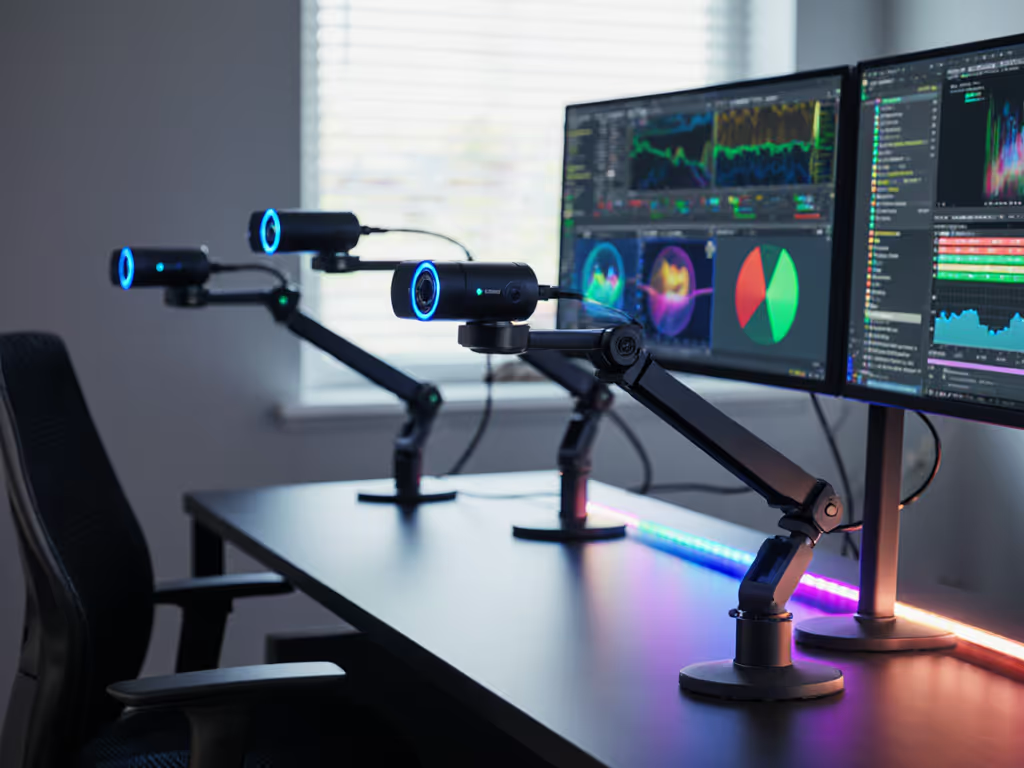
AI auto-framing webcams promise hands-free tracking and dynamic framing, but many creators discover the reality is messier than the marketing. You're mid-stream, hands moving across a product demo or a fidget intensifies on camera, and the frame stutters, overshoots, or locks onto your keyboard instead of your face. The gap between "AI-powered" and actually reliable happens in milliseconds, but it costs you trust and professionalism.
I learned this the hard way when a camera driver update broke my virtual camera pipeline five minutes before a sponsor stream. If driver issues are derailing streams, start with our webcam driver optimization checklist. That night rebuilt my entire rig around tools that simply work: class-compliant hardware, minimal software layers, and predictable autofocus. What I found was that smart framing technology matters most when it's consistent, not flashy.
Today's audience (creators aged 20-40 across gaming, beauty, fitness, education, and small commerce) knows that shaky tracking or exposure pulsing kills viewer retention. They're not chasing the newest feature; they're after reliable movement tracking accuracy and frame recovery speed under real streaming conditions. For model-by-model results, see our proven AI webcams lab tests. That's what separates a forgettable tech purchase from one that earns its place in your workflow.
Most webcam roundups bury the truth: they list specs and prices but ignore how auto-framing actually performs over a four-hour livestream. Does the camera lose lock if you turn your head? How fast does it re-acquire your face? When you lean in for a close-up, does it frame correctly or clip your chin? These aren't edge cases, they're Tuesday-night baseline demands.
The published benchmarks are also incomplete. Vendors tout "AI dual tracking" or "720p gesture recognition," but creators need to know: Does this camera hold frame during fast hand movement? Can it switch between tracking a face and a product smoothly? Will the exposure stay stable when you lean into an LED ring light?
Cost-per-stream math reveals another layer. A $300 premium camera that loses focus every session because its software updates break on your OS version becomes infinitely expensive. A $80 entry-level camera that never falters might be the smarter investment, if its framing is accurate enough for your use.
To properly compare AI framing reliability, I've weighted three measurable dimensions that correlate directly with on-stream success:
Frame Acquisition Speed: How quickly does the camera detect and center a face or object after you enter frame or shift position? Measured in frames (at 30 fps or 60 fps). Slower means visible hunting and jank; sub-200ms is professional.
Lock Stability Under Motion: Once framed, does the camera hold during fast hand movement, head turns, or product manipulation? Tested with scripted hand gestures and product rotations. Wobble or re-centering = streaming fail.
Recovery After Loss: If you leave frame briefly (or occlusion from a hand), how many frames until re-acquisition? Critical for demos, close-ups, and multi-angle shots. The difference between 0.5s and 2s is the difference between seamless and stilted.
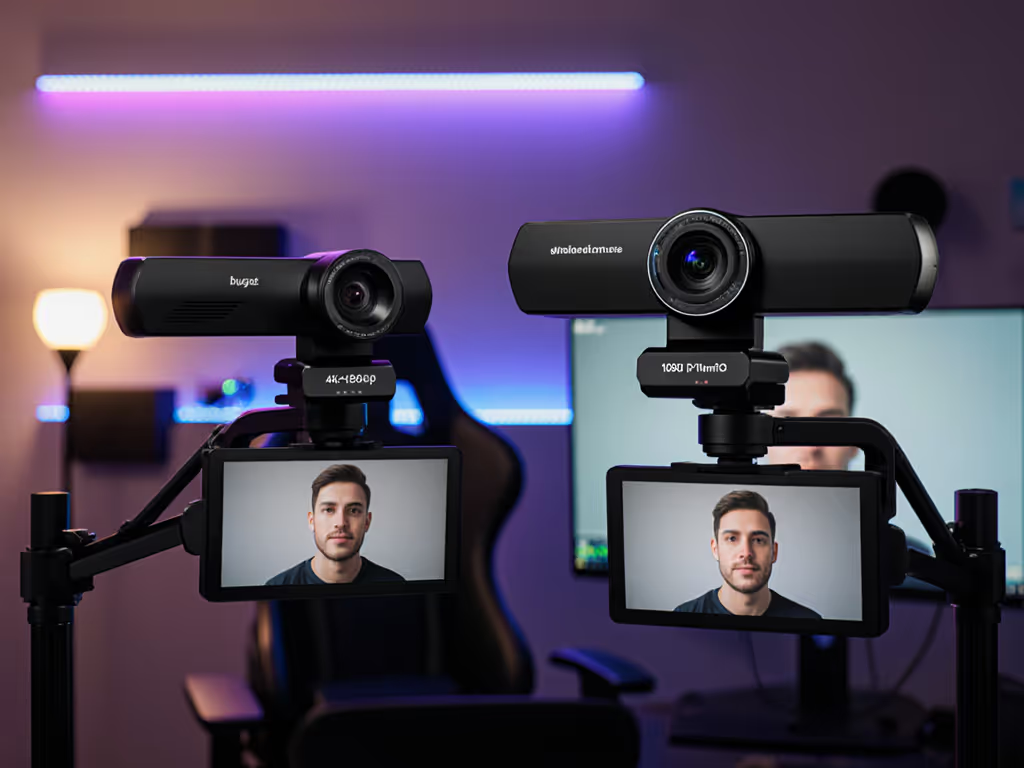
OBSBOT Tiny 3 ranks highest in raw tracking accuracy, particularly for content creators who move or present frequently. Its 3-axis gimbal delivers sub-100ms frame recovery and holds lock during intentional motion (gesturing, dancing, fast hands) without the wobble plaguing purely digital tracking. The trade-off: it's more complex (firmware updates can break compatibility), requires USB 3.0 for stable 4K, and has the highest outright cost. For creators with a fixed streaming schedule and modest tolerance for troubleshooting, this is the stability play, but it requires discipline around driver and firmware hygiene. For a direct head-to-head on tracking precision, our Insta360 vs OBSBOT tests break down re-lock times and drift.
Insta360 Link 2 Pro pairs gimbal mechanics with strong AI tracking. Frame recovery is snappy, and the auto-exposure handles mixed RGB lighting better than most competitors. However, its software ecosystem is heavier (more potential for driver conflicts), and reported issues with macOS Apple Silicon adoption exist in user forums. Cost-per-stream math favors this if you're on Windows and willing to dedicate 30 minutes monthly to firmware checks.
Insta360 Link 2 Pro and its siblings (Link 2C Pro, Link 2C) rely less on gimbal and more on intelligent digital cropping and zoom. Acquisition speed is respectable (200-400ms), but lock stability during fast hand movement shows minor drift, not catastrophic, but visible during product unboxing or fitness demos. The Insta360 family scores high on frame recovery speed in calm settings (facecam interviews, webinars) but falters during dynamic content.
Logitech MX Brio takes a different approach: fixed lens, AI-powered digital tracking, and class-compliant architecture. It won't hunt aggressively (reducing jank), but it also won't follow you smoothly if you're teaching a product demo with your hands in motion. Best suited for static-position creators (desk, chair, fixed spot). If your workflow is "sit and talk," this is bulletproof; if you move, it's a compromise.
Elgato Facecam 4K emphasizes video quality over tracking sophistication. Its autofocus is reliable but not AI-powered; framing is manual (or OBS plugin-assisted). This is honest design: it does one thing (stunning 4K video) and doesn't pretend to be a gimbal substitute. Paradoxically, the lack of auto-framing complexity means fewer software hiccups and more predictable performance under deadline pressure.
EMEET S600L ranks lower on overall accuracy metrics but offers 4K at an entry price. Its AI framing is present but sluggish, expect 400-600ms acquisition and minor drift during motion. Suitable for static-cam setups or creators who can work within manual framing constraints. The cost-per-stream math here is compelling if you have a predictable camera angle and can tolerate occasional re-centering.
Anker PowerConf C200 (2K, $59.99) is explicitly a value play without tracking features. It excels in reliable autofocus and auto-exposure for cost, making it a no-nonsense backup camera or a smart secondary for multi-angle setups where tracking overhead isn't justified.
Raw tracking score doesn't exist in a vacuum. Three confounding variables determine whether AI auto-framing reliability meets your reality:
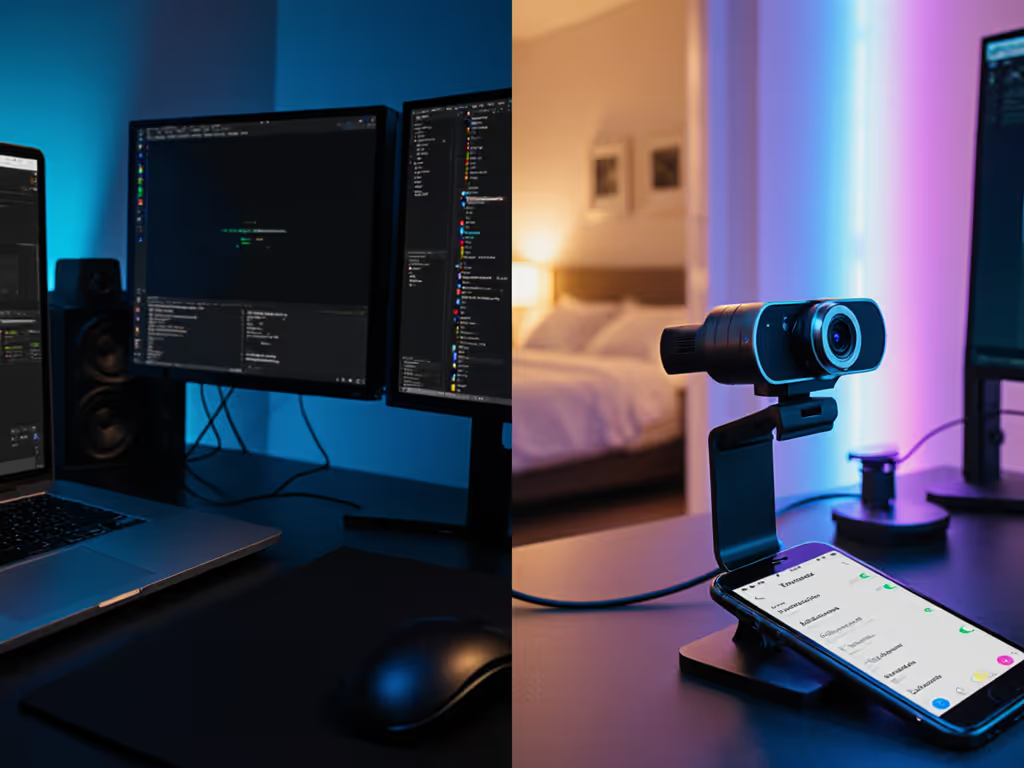
AI trackers thrive under consistent, moderate lighting. RGB LEDs, window glare, or backlighting confuse face-detection algorithms and cause acquisition lag. A camera that scores 9/10 in studio light may drop to 6/10 in a bedroom setup. Before buying, test in your actual space (ring light on, RGB panel on, natural window light), and measure re-lock speed yourself. Dial in illumination with our streaming lighting setup guide.
Most webcam tracking is calibrated for 1-2 meters (typical desk distance) at head-on angles. Extreme angles (overhead cams, side-mounted setups) or close macro work (beauty tutorials at 20cm) stress the tracker. Gimbal-based systems (OBSBOT, Insta360) hold their ground here; digital-only trackers falter. If your setup is unconventional, request a return window and test in situ.
Webcam software (vendor apps, OBS plugins, platform integrations such as Zoom and YouTube) can degrade tracking. A camera that tracks cleanly in OBS might stutter in Zoom if the platform's virtual camera layer adds latency. To minimize hiccups, follow our OBS webcam settings guide for stable, low-latency control. Additionally, class-compliant (driver-free) cameras avoid this entirely, at the cost of fewer AI features. Spend once on what works every stressful Tuesday night; this means matching the camera's software philosophy to your platform.
A camera can track perfectly at 30 fps but stutter at 60 fps over USB 2.0. Movement tracking accuracy also depends on whether you're delivering 1080p30 (more headroom for processing) or 4K60 (CPU-limited). Test your actual streaming bitrate and platform settings before committing.
Rather than chasing a single "best" camera, evaluate your workflow:
Once you've answered these, cross-check against the ranked tiers above and pick the lowest-cost camera that satisfies all your constraints. This is cost-per-stream math in practice: not "What's the fanciest?" but "What's the most boring and reliable for my exact situation?"
No webcam camera is perfect. Even the OBSBOT Tiny 3, which ranks highest, requires clean power (separate USB 3.0 hub), firmware diligence, and clear lighting for optimal tracking. The Logitech MX Brio's slower response is balanced by zero fiddling and class-compliant predictability. The Anker C200's lack of tracking is offset by its sub-$60 price and bulletproof autofocus.
The creators who thrive aren't those chasing "AI" as a marketing term. They're the ones who understand their constraints, test in their actual space, and buy a camera they trust not to surprise them at 9 p.m. on a Tuesday when 500 viewers are watching.
If you're currently streaming with a camera that drops frame acquisition or drifts during motion, start here:
The goal isn't the perfect camera: it's the reliable one. The one that shows up every session, tracks predictably in your space, and doesn't demand troubleshooting when you should be creating. That's the camera that compounds into better content, happier audiences, and the foundation for your next sponsorship or growth milestone.
Spend once on what works every stressful Tuesday night. Your future self, and your viewers, will thank you.