Business & Legal for Streamers
Beyond Ads: Streamer Monetization That Builds Brand Trust
3rd Oct•5 min read
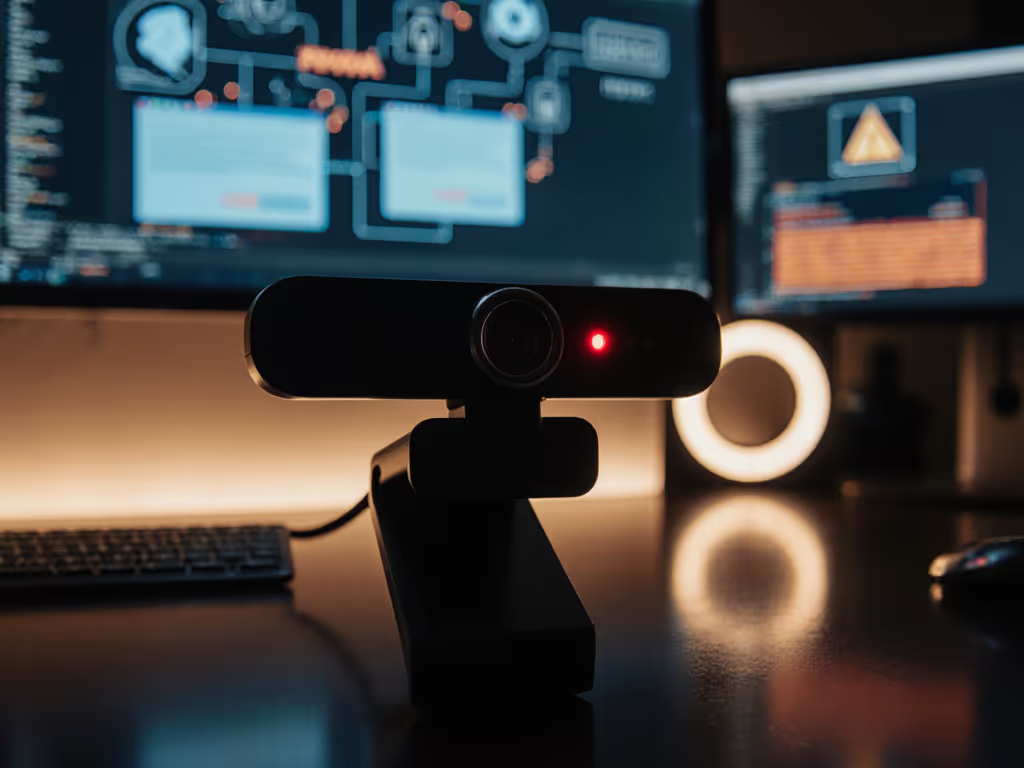
In today's creator economy, webcam data privacy isn't just about who's watching you, it's about how your streaming camera processes and potentially shares the visual data that defines your brand. When millions of creators rely on webcams for livelihoods, understanding what data gets captured, processed, and potentially transmitted beyond the video feed is critical for maintaining both security and professional integrity. As a color specialist who's helped creators build consistent on-camera identities, I've seen how privacy oversights can undermine hard-earned audience trust, especially when skin tones shift unexpectedly between platforms.
Skin tones first. This isn't just my mantra, it's the foundation of brand recognition in the visual-first creator economy.
When creators think about privacy, they typically imagine hackers watching through their lenses. But there's a subtler risk: the data your camera collects about how it processes your image. Most streaming cameras don't just capture light, they analyze scenes, adjust white balance, apply noise reduction, and even track facial features. This processing data often gets handled in ways that impact your visual consistency across platforms.
A recent Bitsight TRACE report revealed over 40,000 security cameras streaming unsecured footage worldwide (a wake-up call for anyone using connected imaging devices). While most consumer webcams aren't as exposed, they still transmit data that could compromise your brand's visual consistency if mishandled. If you're evaluating gear with built-in safeguards, see our privacy-first webcam recommendations.
Your streaming camera likely gathers far more data than you realize. Beyond basic video, most devices collect:
This camera data collection often gets stored locally, but some manufacturers transmit anonymized versions to improve algorithms, a practice rarely disclosed in simplified privacy policies.
When platforms process your stream differently (Twitch applying heavy compression while YouTube preserves detail), your skin tones can shift dramatically. Dial in per-platform settings with our platform-specific optimization guide. I once worked with a creator who received months of comments about a "green cast" in her streams. After testing under her mixed LED setup, we discovered her camera's auto-white balance was transmitting incorrect temperature data to different platforms. By building a dual-illuminant white balance profile and platform-specific LUTs, we restored consistency. The documentation became part of her workflow, and any reset could rebuild her trusted look in minutes.
This isn't just aesthetics; streaming device tracking of visual processing creates tangible brand risks. Sponsors often pull campaigns when their products appear differently across platforms, a problem exacerbated by inconsistent color processing.
Most creators only check if a camera has end-to-end encryption. But for visual professionals, these policy elements matter more:
When I audit privacy policies comparison for creator clients, I prioritize brands that commit to on-device processing of color data (meaning your skin tone analysis never leaves your computer). This approach aligns with the principle that color you can trust, even when the lights disagree starts with data you control.
Consider this scenario: Your camera's firmware stores white balance profiles in the cloud. During a stream, it detects a lighting change and uploads the new profile. Later, when you reset your system, the camera downloads the "updated" profile, but it's optimized for someone else's lighting environment. Result? Skin tones shift unexpectedly, damaging brand consistency. To prevent surprises like this, follow our firmware updates guide to manage changes and verify what each update alters in your camera's processing.
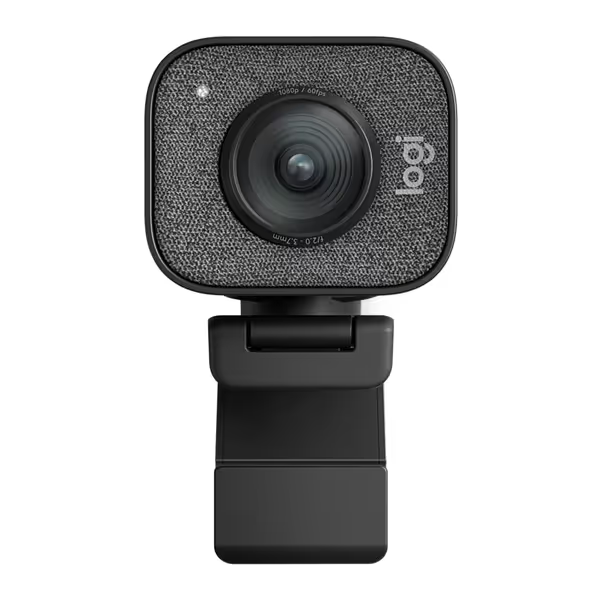
The Logitech StreamCam (and similar premium models) avoids this by storing profiles locally, but many budget webcams rely on cloud processing for "AI" features. Always verify where your visual data lives, especially if you've built a signature look that sponsors expect to remain consistent.
When guiding creators through secure webcam selection, I emphasize three data-handling requirements:
Look for webcams with UVC-compliant controls that allow you to lock white balance and exposure, features that not only improve visual consistency but limit unnecessary data collection. The best streaming camera solutions give you skin-tone sensitivity without compromising privacy.

True webcam data privacy for creators means understanding not just who can access your feed, but how the data gets processed before it reaches your audience. Every time your camera automatically adjusts for "better" skin tones, it's making decisions that could compromise your brand's visual identity if that processing data gets mishandled or inconsistently applied.
Implement these practices today: For step-by-step color control, use our webcam calibration guide to build and document a repeatable baseline.
As I've learned through reference-chart driven testing, the most secure workflow is one where you control the color pipeline end-to-end. This isn't paranoia, it's professional diligence. When viewers recognize your authentic look across platforms, they're more likely to trust your content and recommendations.
Skin tones first. This commitment to visual truth builds the consistency that turns casual viewers into loyal followers.
For creators serious about visual integrity, I recommend auditing your camera's data flow this week:
This lighting-aware approach to privacy protects more than just your security, it safeguards the visual identity you've worked so hard to build. When your audience sees the same authentic you everywhere, they know exactly who they're engaging with. And in today's crowded creator landscape, that consistency is priceless.
Remember: True professionalism means understanding not just what your camera shows the world, but what data it shares about how it creates that image. Stay vigilant, stay consistent, and keep prioritizing skin tones first.