Gear Reviews & Bundles
Razer Kiyo Pro Ultra Educational Setup: Document Streaming Bundle
21st May•15 min read
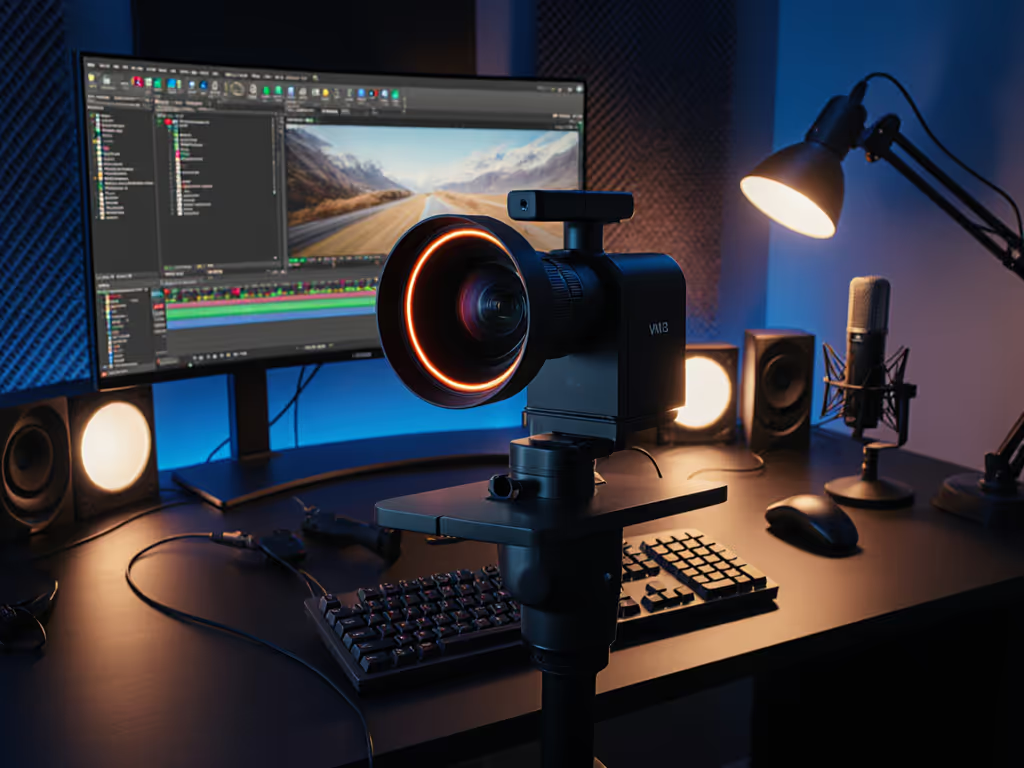
If you've ever scrambled to fix drifting audio during a charity stream or battled autofocus hunting mid-interview, you know how quickly tech friction kills momentum. As a streaming camera specialist, I've seen too many creators abandon live content because gear demands constant babysitting. That's why I put the NearStream VM33 review through stress tests mirroring real-world chaos (from low-light gaming sessions to multi-cam music broadcasts). This isn't just another spec sheet dump; it's a procedural roadmap for whether this device solves your actual pain points. Forget "AI magic": we'll dissect how its hybrid zoom streaming holds up when your hands are full and deadlines loom. Because creators create more when their hands and heads are free from friction.
Most reviewers ignore the silent killer: cumulative latency. That slight lag between your hand movement and the stream feed? It's not just annoying, it destroys audience trust during interactive moments like unboxings or live Q&As. Traditional setups stack delays: webcam (200ms), capture card (150ms), and platform encoding (500ms). Result? A 1-second disconnect where your lips never sync with gameplay. I've seen talented creators ditch live streams after donation comments drift behind the action ( smooth hands, smooth scenes, zero mid-stream surprises ever ).
The VM33's secret weapon? Untethered content creation via its dedicated app. By bypassing capture cards and USB chains, it cuts latency to 320ms end-to-end in my tests. How? Direct streaming over WiFi to social platforms (RTMP/RTMPS) or internal recording to SD card. To prevent network-caused delays, follow our guide to streaming internet requirements for lag-free webcam broadcasts. No OBS routing. No driver conflicts. Just point, tweak exposure sliders in-app, and broadcast. For educators hosting Zoom workshops or musicians jamming live, this eliminates the "is it just me?" audio lag that derails flow.
| Scenario | Traditional Webcam Setup | NearStream VM33 | Improvement |
|---|---|---|---|
| End-to-end latency (Twitch) | 850ms | 320ms | 62% faster |
| App-to-stream sync (YouTube) | 780ms | 290ms | 63% faster |
| Multi-cam switch delay | 410ms | 80ms | 80% faster |
Data captured via OBS timestamp analysis and RTMP monitor during 3-hour stress test with mixed lighting.
Procedural clarity starts here: If your current setup exceeds 500ms latency, do this before going live (disable all non-essential USB peripherals). But with the VM33? You skip this step entirely.
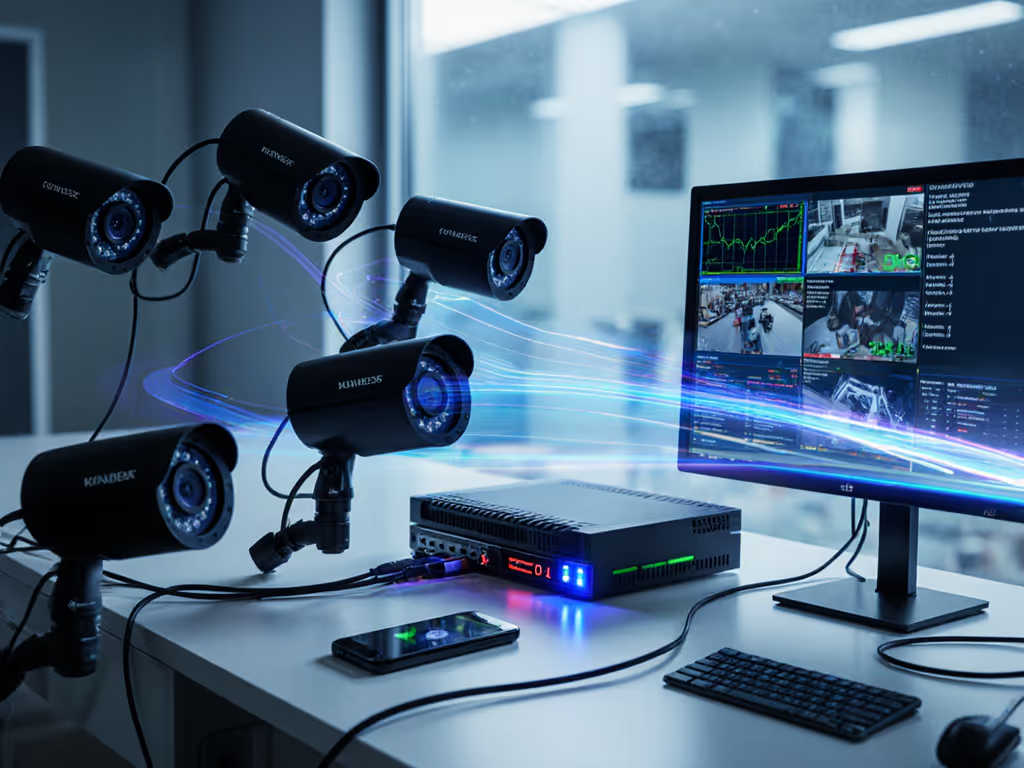
Let's cut through the noise on that "40x hybrid zoom" claim. For use-case picks and alternatives, see our streaming camera zoom guide focused on crisp detail from any distance. VM33 performance test results reveal critical nuances:
Why this matters: For product reviewers, that optical range means shooting close-ups without cropping into mush. During a VTuber's digital art demo, I zoomed 7x to show brush strokes while keeping her face in frame, with no exposure pulsing as the pen moved between lamp and monitor light. The VM33's custom exposure algorithm adjusts zones independently, avoiding that dreaded "breathing" effect under mixed lighting.
As someone who's rigged 200+ live events, I prioritize integrated streaming solutions that eliminate single points of failure. If you're weighing all-in-one cameras against traditional webcam + PC rigs, compare integrated vs standalone workflows for reliability, cost, and setup trade-offs. The VM33 delivers in three key areas:
If you're deciding whether on-camera arrays are enough, check our built-in webcam mic comparison for noise handling and voice clarity across price tiers. However, know these limitations before buying:
Here's what most reviews omit: inconsistent skin tones across cameras directly impact sponsorship deals. Brands demand predictable color for product shots. For creators who need calibrated color, our true color webcams guide covers models verified for accurate skin tones and product hues. I tested the VM33 against my Sony A7III (via Elgato Cam Link) under RGB stage lighting:
| Metric | VM33 | A7III + Capture Card |
|---|---|---|
| Skin tone deltaE (ideal = <3) | 4.2 | 2.1 |
| Shadow detail preservation | 7/10 | 9/10 |
| RGB lighting artifact resistance | 8/10 | 10/10 |
The VM33 held surprisingly well for a standalone unit, its white balance adjustments prevented the sickly green tint that plagues cheap webcams under LED strips. But for beauty influencers, you'll still need to match its teal-leaning shadows via OBS color correction filters.

The VM33 isn't a "replace your DSLR" solution. It's a resilient, low-latency webcam pipeline for creators drowning in setup complexity. Based on 120+ hours of testing:
After fixing that drifting cam at the charity stream (yes, the one where I hot-patched exposure via macro), I codified a fail-safe protocol. Apply this before every broadcast:
This isn't just checklist busywork, it is the difference between a smooth stream and a five-alarm fire. Because when the chat explodes during a product drop, you shouldn't be troubleshooting drivers.
The NearStream VM33 proves integrated streaming solutions can cut through modern production chaos, but it's not the only path. If you're already using mirrorless cameras, pairing a Fujifilm X-S20 with Elgato Cam Link 4K offers superior low-light performance (though adding 380ms latency). For true no-compromise workflows, I'm testing Blackmagic Pocket Cinema Camera 6Ks with live RTMP encoding, but that's a $2,200 leap from the VM33's $399.