Hardware Comparisons: Webcams & Mics
ASMR Specialized Webcam Comparison: Ultra-Quiet Picks Tested
17th May•14 min read
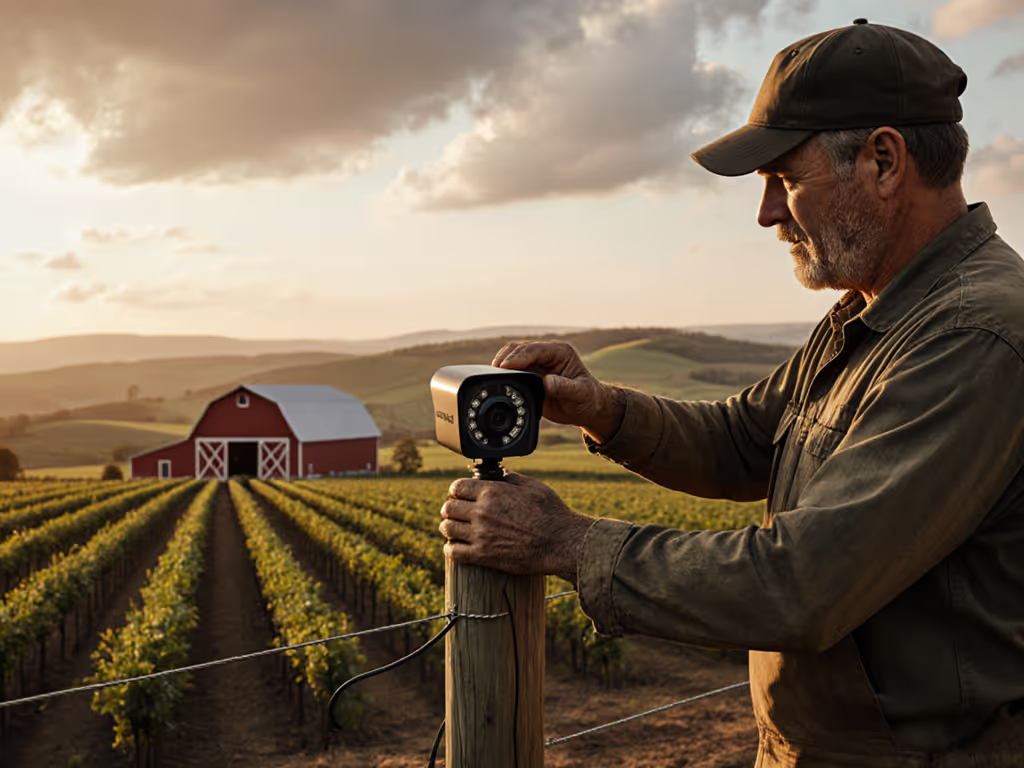
If you're trying to pick a camera for field tours, barn cams, or tractor POVs, most reviews are useless because they're written for desks, not dirt. This agricultural streaming webcam comparison is built for creators who need real-world farm content camera testing, not just pretty spec sheets.
I'm going to treat your cameras as agricultural demonstration equipment: tools that must survive dust, moisture, bright sun, and uneven connectivity while still looking clean in OBS, Zoom, or YouTube Live. If you need models proven to handle rain, dust, and temperature swings, see our weather-resistant outdoor cameras.
The goal is simple: smooth hands, smooth scenes, zero mid-stream surprises ever.
Before comparing camera types, lock in the requirements that matter specifically on farms:
Outdoor durability testing reality You're dealing with dust, occasional rain, manure mist, temperature swings, and sometimes curious livestock bumping stands.
Dust and moisture resistance True IP-rated gear is rare in standard webcams, but common in action cams and security cams. Your workflow decisions should be shaped around what can reasonably be protected, not wishful thinking.
Sunlight visibility performance You need a camera that doesn't completely blow out the sky or your face when you're backlit by the barn door. Dynamic range and exposure control matter more than raw resolution.
Low-light barns and sheds Barns mix dim ambient light with harsh beams through gaps. Cameras that look great in a bright office often turn into noise soup out there.
Stable framing over distance You're not always at arm's length. Think 2-10 meters away while moving around a pen or implement, and autofocus and field of view (FOV) choices are critical.
Latency budget and reliability Live Q&A from the tractor cab, remote tours for schools, or Zoom consults with a vet all depend on predictable delay, not just pretty video. Your latency budget is as real a resource as bandwidth.
In other words, you're not just picking a webcam; you're designing a resilient camera pipeline for a harsh environment.
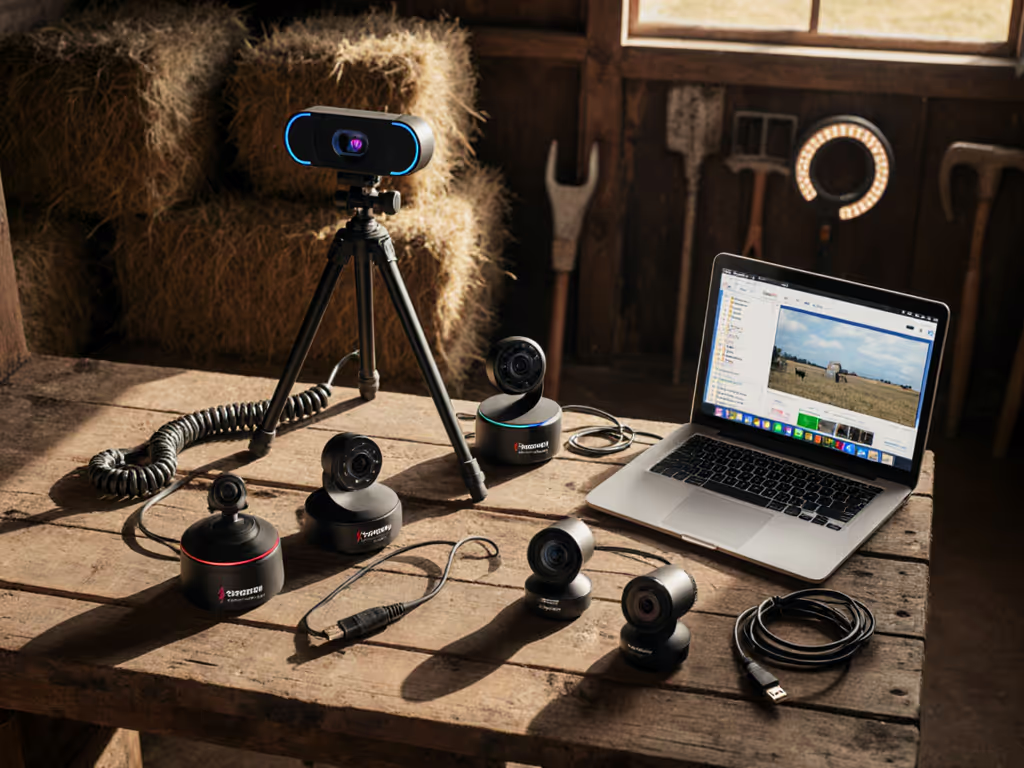
Instead of chasing individual models, compare types of cameras and how they behave on a farm. That lets you make trade-offs intentionally.
What they are: Typical streaming webcams you'd use at a desk (small sensor, USB plug-and-play, often with basic software controls).
Where they fit on farms:
Pros:
Cons:
Use these where you can control the environment, not where the environment controls you.
What they are: Rugged cameras (GoPro-style) with wide lenses, good stabilization, often waterproof and dust-resistant out of the box.
Where they fit on farms:
Pros:
Cons:
An action cam is essentially your "anywhere on the farm" camera. Treat it as your mobile, punishment-tolerant angle.
What they are: Pan-tilt-zoom (PTZ) or fixed security cameras, often with IP66+ weather ratings, PoE power, and RTSP/ONVIF video streams.
Where they fit on farms:
Pros:
Cons:
These shine as "always-on" context cams that don't need hand-holding once configured. Browse our PTZ webcams compared to pick reliable barn and yard controllers.
What they are: iOS or Android phones running webcam apps (or native continuity features) to send video to your PC or directly to streaming platforms.
Where they fit on farms:
Pros:
Cons:
Use phones as flexible backup or mobile demo cameras, not as your main fixed angle.
Here's a high-level comparison of camera types for farm streaming:
| Camera Type | Environment Hardiness | Latency (vs PC) | Setup Complexity | Best Uses |
|---|---|---|---|---|
| Standard USB Webcam | Low (needs protection) | Low | Easy | Office, shop, protected barn corners |
| Action Cam as Webcam | High (dust/rain/falls) | Low - Medium | Medium | Tractor POV, close to livestock, walking |
| PTZ/Security IP Camera | High (with proper rating) | Medium - High | Medium - Hard | Barn/yard overwatch, 24/7 streams |
| Smartphone as Webcam | Medium (with case) | Medium - High (wireless) | Medium | Pop-up demos, social vertical content |
Standard webcam reviews usually ignore durability, but you can't. Out in the field, dust and moisture resistance is the difference between "fun stream" and "dead camera."
Researchers building low-cost field monitoring systems are already using inexpensive cameras outdoors by combining commodity hardware with smart housings and remote monitoring.[1] One project built a drought-stress monitoring rig around a low-cost camera and single-board computer for roughly the price of a consumer webcam, then protected it in a weather-aware enclosure and supervised it over Wi-Fi.[1] That same mindset applies to your farm stream.
Without voiding warranties or abusing the gear, you can increase survival odds:
Use rated gear where possible Action cams and many security cams list IP ratings (e.g., IP65/IP66). Standard webcams rarely do, so assume they're "indoor only."
Add simple physical shields A webcam under a roof eave, behind a clear acrylic panel, or inside a ventilated box with a glass front will outlive an exposed one by a mile.
Separate the dirty and clean zones Run long cables (USB active extenders or Ethernet for IP cams) so your PC and switching gear stay safely inside.
Plan for sacrificial mounts, not sacrificial cameras Use mounts that can flex or detach if a cow rubs on them, instead of hard-rigid mounts that transfer all that force into the camera body.
The test that matters is not "how much abuse can this camera take once?" but "does this setup still work flawlessly next week?"
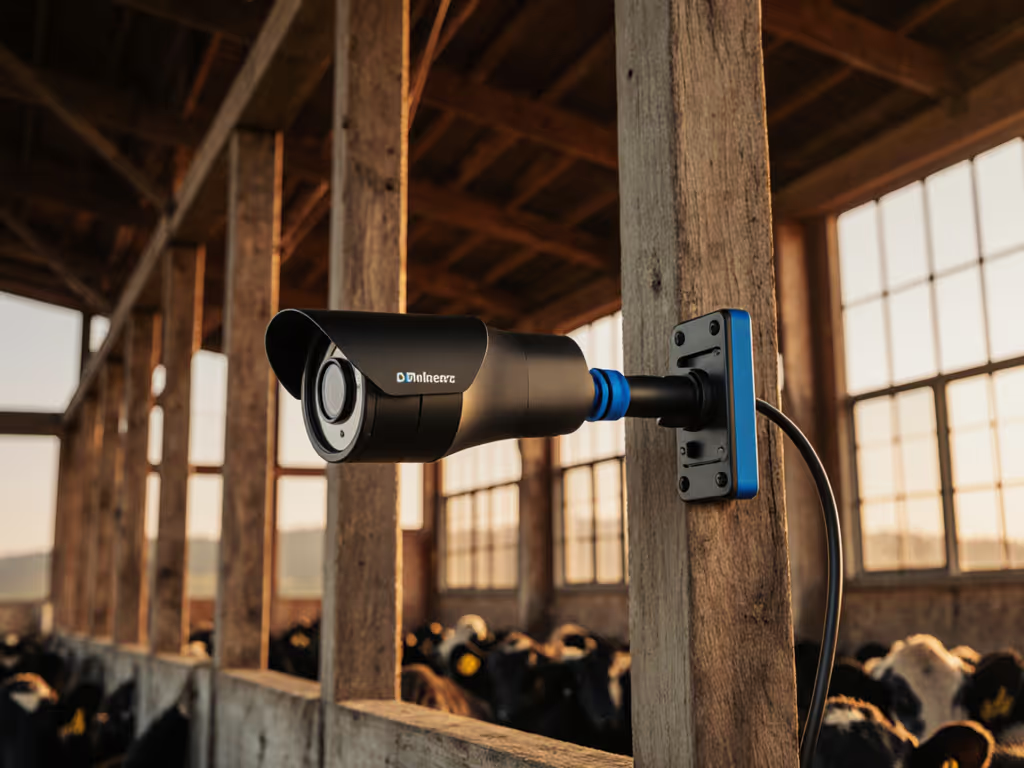
Outdoor farm streaming is a brutal test of sunlight visibility performance:
Even without lab charts, you can quickly gauge performance:
Auto exposure reaction Step from shade into full sun on camera. A good system adjusts smoothly in 1-2 seconds, without wild brightness pumping.
Highlight roll-off Look at clouds, chrome on machinery, and white fences. If they instantly clip to pure white, you'll struggle with midday tours.
Manual locks available Any camera that lets you lock exposure and white balance (in its app or via UVC controls) is more controllable on the farm.
Action cams and many newer webcams do better here than older budget models. Security cams are decent at not clipping outdoor scenes, but may render skin tones in a harsher, more contrasty way. For help choosing gear that avoids blown skies and crushed shadows, read webcam dynamic range.
You can dramatically improve results with simple habits:
Face the light when you talk Turn so your face is generally toward the sun or main light source, not away from it.
Use the barn as a giant diffuser Standing just inside a barn door, facing out, gives you soft front light and controlled background brightness.
Lock settings for critical demos When explaining a piece of equipment or showing plant health up close, lock exposure and white balance so the camera doesn't "breathe" as you move.
This is where treating your camera as agricultural demonstration equipment pays off: you're setting it up like a tool, not hoping it guesses right.
Your latency budget determines how interactive your stream can be. The longer your total delay, the more awkward it is to answer questions live or coordinate with remote collaborators.
In general (assuming a reasonably fast machine):
The key is consistency: a stable 300-500 ms delay is easier to sync audio to than a wildly fluctuating 100-800 ms.
Prefer wired paths when you can Ethernet from a barn IP cam back to the house beats long-range Wi-Fi every time for reliability. For trade-offs beyond the farm—stability, latency, and range—see our wired vs wireless streaming.
Keep wireless hops to one If the camera is wireless, keep the streaming PC wired, or vice versa. Multiple Wi-Fi links multiply your problems.
Test and log your pipeline Record short clips from each camera angle and clap once on-camera. Check the frame where the clap visibly happens vs. the audio spike. That becomes your baseline sync offset.
I once had to re-route a whole live setup mid-show when a camera drifted nearly a second behind everything else. The only reason we landed clean was a ready backup scene and pre-tested offsets. That turned into a checklist I still use for multi-cam streams.
On farms, your best defense is a known, documented latency budget per camera path.
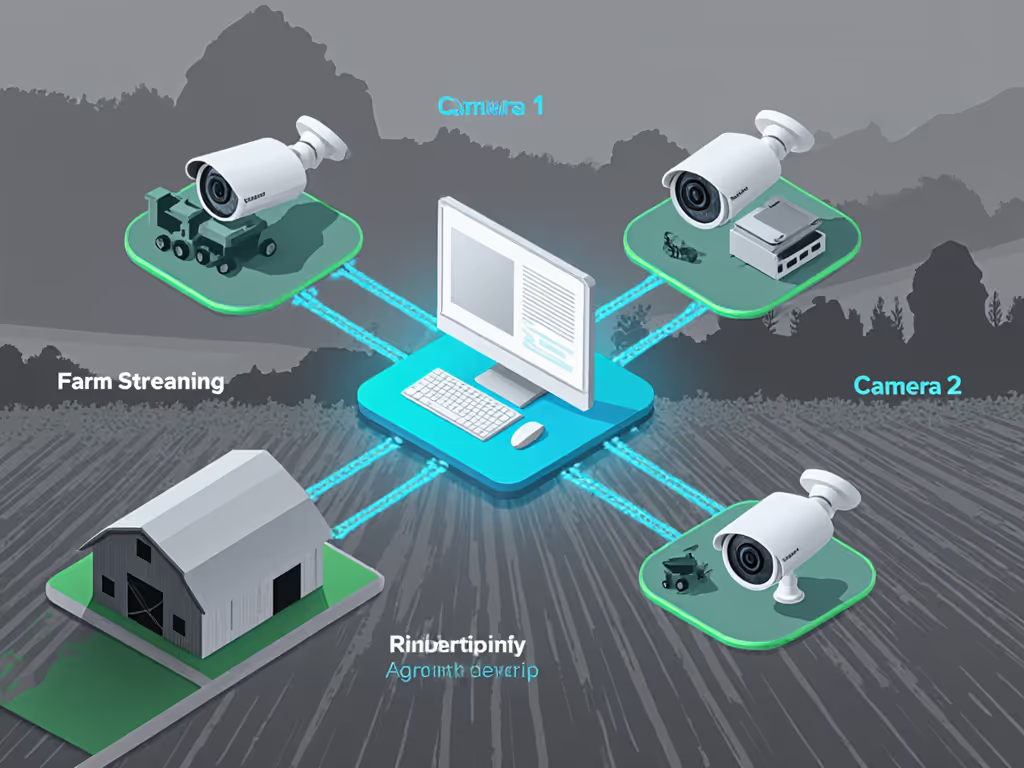
Let's apply all of this to practical farm streaming setups.
Use case: calving cams, goat yoga classes, vet Q&As in the barn.
Camera recommendations:
Key priorities:
Use case: ambient livestream of animals grazing, viewers dropping in throughout the day.
Camera recommendations:
Key priorities:
Use case: real-time "ride along" while planting, baling, or spraying.
Camera recommendations:
Key priorities:
Use case: showing crop condition, disease signs, or trial plots to students or buyers.
Camera recommendations:
Key priorities:
This is where keyboard-shortcut scenes shine: one key for "barn wide," one for "close crop demo," one for "tractor POV." Smooth hands, smooth scenes, zero mid-stream surprises ever.
You don't need a lab to do meaningful farm content camera testing. Use a simple, repeatable checklist for any camera you try:
Barn shade talking head Stand just inside a barn door, talk for 30 seconds. Check skin tones, shadow detail, and noise.
Step into full sun Walk out into direct sunlight while recording. Watch how exposure and white balance shift.
5-10 meter walk-and-talk Move away from the camera while speaking. Check focus tracking and framing.
Dust and moisture proximity Simulate typical dust (sweeping, moving hay) near the camera without intentionally blasting it. Check later for dust on the lens and any weird behavior.
30-minute continuous run Let it stream/record while you do chores nearby. Confirm it doesn't overheat, drop frames, or desync.
Score each camera from 1-5 on: durability confidence, sunlight handling, low-light clarity, focus stability, and latency/sync. Over time, you build your own comparison matrix tailored to your farm.
Save these per-camera profiles in your webcam software or OBS filters so you can recall them with a click or hotkey.
Treat your cameras as part of a broader agricultural demonstration equipment kit, not isolated gadgets. The right mix for you might be:
From there, the next step isn't buying more, it's experimenting systematically:
Once your pipeline is stable, you'll be free to focus on what your audience actually cares about: animals, crops, and the story of your farm. The cameras just become quiet, predictable tools in the background, exactly where they belong.