Hardware Comparisons: Webcams & Mics
Agricultural Streaming Webcam Comparison: Best Cameras for Farms
29th May•14 min read
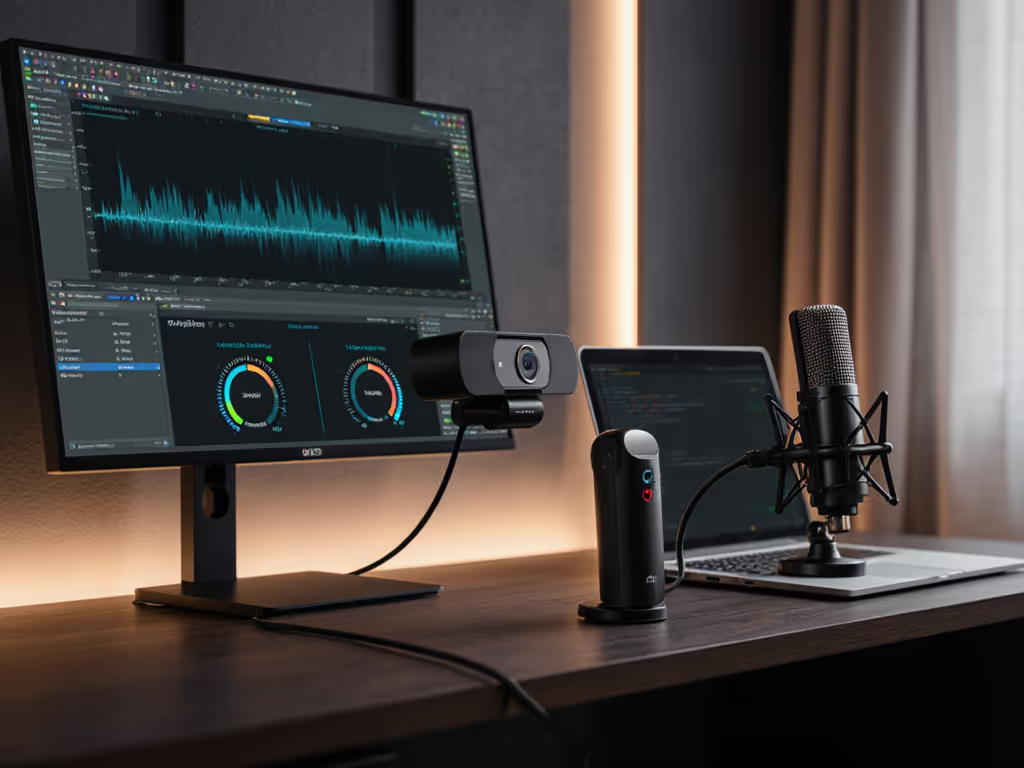
The short answer: built-in webcam noise reduction and dedicated microphones solve different problems, and the choice depends on your lighting setup, room, and content type, not the tech buzzword.
I hear this question constantly from creators balancing camera and audio upgrades. Most assume that if their webcam has "AI noise cancellation," a separate mic becomes optional. That's where the real trap lies. What I've learned testing mixed-lighting setups and multi-camera chains is that audio and video noise operate in entirely different domains, and conflating them wastes budget on the wrong tool.
Let me break down what the data actually shows, and where your studio real estate matters more than the spec sheet.
Modern all-in-one streaming cameras like certain AI PTZ models now include spatial audio modes with built-in noise reduction that work to isolate voice and remove background noise[3]. If you're considering cameras that prioritize audio processing, compare AI noise reduction webcams built for superior voice clarity. The mechanics are straightforward: these systems apply processing to push your voice front-and-center while suppressing ambient sound (room hum, fan noise, keyboard clacks)[3].
Sound good? Here's the catch: webcam audio is still bound by its microphone hardware. For tested options and artifact control across price tiers, see our built-in webcam microphone comparison. No amount of AI post-processing can recover detail that the microphone never captured in the first place. If your webcam mic is positioned three feet from your mouth, sitting in a noisy room with a space heater running, the AI is playing defense, not offense. It's removing noise, yes, but it's also removing vocal warmth and presence because that's the trade-off when you're fighting SNR (signal-to-noise ratio) at the source.
This is where the audio-video parallel breaks down. With image noise reduction, we can recover lost detail because pixels encode redundancy. Microphone signal? Once it's crushed by background noise at capture, you can't uncrush it without mangling tone.
Dedicated microphones, especially cardioid or hypercardioid patterns, win on one non-negotiable principle: you can position them close to your mouth. A USB condenser or dynamic mic (best USB streaming microphones) sitting 6 inches away captures 12-15 dB more voice level than a webcam mic mounted 24+ inches from your face. That margin is everything. More input signal means the noise gate catches fewer false positives, the AI has cleaner material to work with, and your voice sounds present rather than processed.
Color you can trust, even when the lights disagree. Same principle applies to audio: proximity before processing.
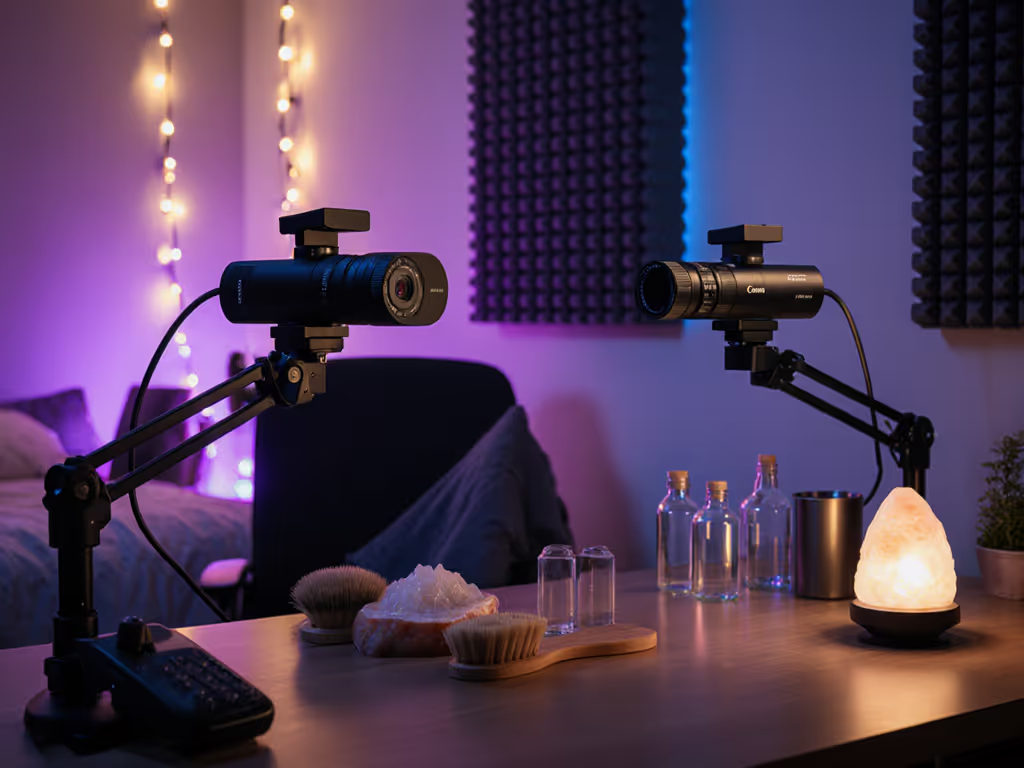
Webcam mics, especially array mics, pick up reflections from your desk, monitor, and walls. Even with spatial audio and noise reduction, a reflective untreated room will still sound boxy. A directional mic, placed to the side of your body and angled slightly off-axis, avoids that early reflection wash. You get a drier, more controllable signal. Add basic absorption (foam panels, acoustic blankets) and you've already outperformed what AI can undo later.
Pros:
Cons:
Best for:
Pros:
Cons:
Best for:
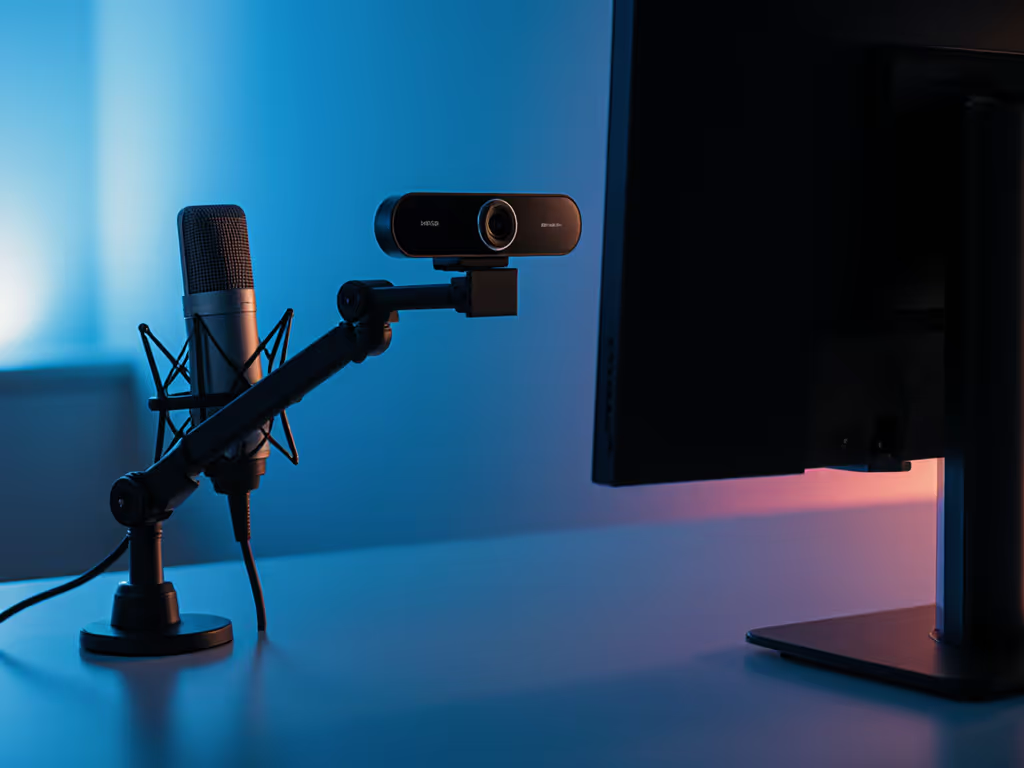
Most successful creators in my circle run this exact pairing: a reliable webcam for video consistency and a sub-$100 USB condenser mic (like a Blue Yeti or Audio-Technica AT2020USB) for audio. Why?
There are three scenarios where built-in audio processing earns its place:
Outside those windows, a $70 cardioid USB mic outclasses any webcam AI by leveraging simple physics: proximity and directional pattern. No algorithm replaces that.
While we're here, I should note that image noise reduction via AI is a different beast entirely and evolving rapidly. Tools like DxO PureRAW 5 and Topaz Photo AI represent genuine breakthroughs for photographers working in low light, as they remove sensor grain while preserving fine detail in ways manual denoising never could[4][6]. Some modern cameras like Canon's EOS R1 and R5 Mark II embed AI noise reduction directly, reducing high-ISO noise by up to 2 stops without turning detail to mush[1].
For streaming, video noise is less of a bottleneck (most platforms heavily compress anyway), but for multi-cam recording or archival, that detail retention matters. If you're considering an upgrade path that includes mirrorless + capture card, know that in-camera or post-AI noise reduction is no longer a luxury, it is becoming baseline for professional work.
For the typical creator profile I work with, 18-40, tech-comfortable, time-constrained, budget $200-$400, here's the framework I recommend:
Tier 1 (Entry, $100-$150): Webcam with solid white balance control (USB3 preferred for bandwidth) + basic USB condenser mic. Set mic gain so voice peaks at -6 dB in OBS. Use the webcam's built-in audio only as backup.
Tier 2 (Prosumer, $250-$400): Upgrade to a webcam with PTZ or tracking features + dedicated audio interface (Focusrite Scarlett Solo, ~$100) + mid-range XLR mic. This decoupling means you can treat room acoustics independently of lighting.
Tier 3 (Broadcast, $400+): Mirrorless or PTZ camera with HDMI/USB-C output → capture card → OBS → broadcast machine. Audio on separate interface. This is where color space consistency and monitoring become non-negotiable.
At each tier, the principle holds: keep audio and video chains separate so you can optimize each independently. AI noise reduction on a webcam is a convenience feature, not a mic replacement. It handles 60% of real-world noise in quiet-ish spaces; it buys you time if your dedicated mic fails. It does not replace proximity, directional pattern, and proper gain staging.
The marketing angle "AI noise cancellation built-in" is compelling because it promises one less cable, one less variable. For certain use cases, like backup, travel, or voice-only content, that trade-off makes sense. But for creators serious about audience retention and sponsorship readiness, the data is clear: dedicate hardware to each job. A webcam handles video consistency; a mic handles audio presence. Both need the room's acoustic and lighting environment treated separately. No amount of AI post-processing bridges that gap.
Your studio isn't just about gear; it's about separating concerns so each tool can do what it does best. Neutral before stylized, in both image and audio. That consistency builds the brand trust that sponsorships and audience growth depend on.
Ready to audit your setup?