Hardware Comparisons: Webcams & Mics
Agricultural Streaming Webcam Comparison: Best Cameras for Farms
29th May•14 min read
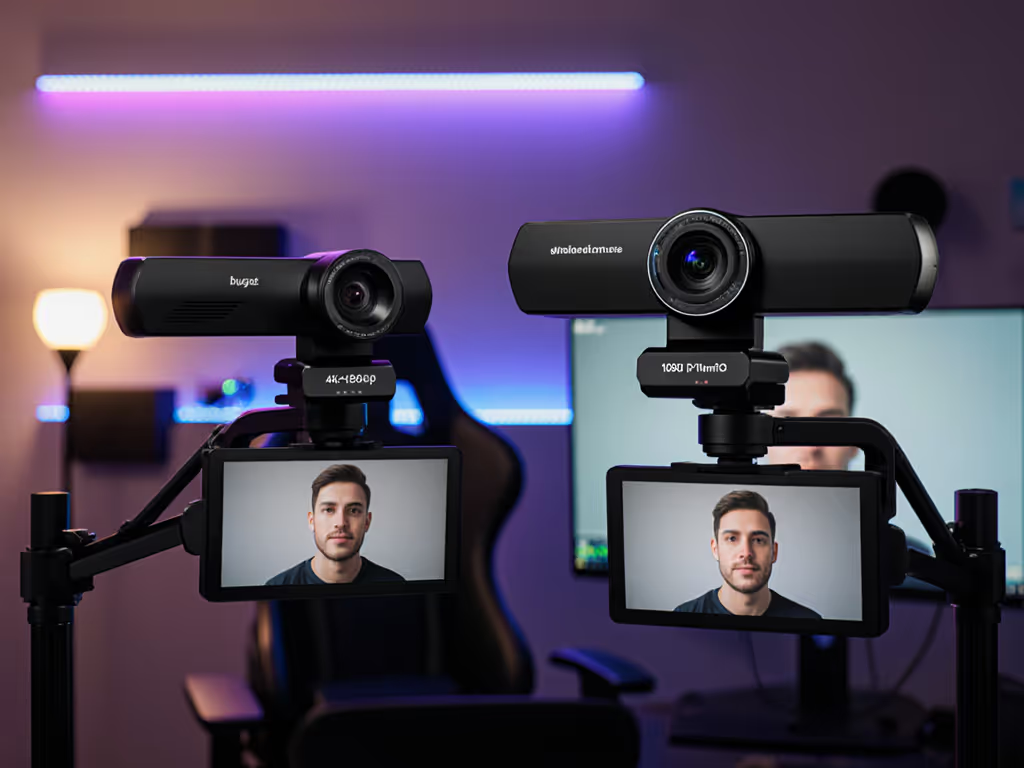
4K 60FPS WEBCAM resolution sounds premium, but here's what actually happens when you stream: your platform compresses it back down. The real question isn't "bigger number or not," but whether the hardware underneath can deliver cleaner, more stable video at the resolution that actually matters for your viewers.
I've helped creators solve this exact puzzle under mixed RGB lighting, unforgiving close-ups, and platform-specific bitrate walls. The data says something counterintuitive: budget 4K vs 1080p streaming isn't about resolution bragging rights. It's about which sensor architecture gives you the most reliable light data, the truest skin tones, and the sharpest output after the platform takes its cut.
Let me walk through what testing and real-world constraints actually show.
When a 4K webcam outputs 1080p video, you're not paying for resolution you won't use. You're paying for a fundamentally different sensor. 4K hardware generally uses physically larger, higher-quality image sensors than 1080p equivalents, regardless of the final output resolution.
Think of it this way: more pixels crammed on the sensor means more light data per scene. When that data gets aggregated or downsampled to 1080p, the output is sharper and cleaner than a native 1080p camera starting with less raw information.
According to testing by RTINGS.com, downscaling 4K to 1080p actually delivers sharper images than native 1080p webcams, thanks to superior sensor quality. This advantage holds even if Twitch caps your stream at 1080p60 or YouTube compresses your bitrate mid-session. The sensor's inherent capability to gather more light and resolve fine detail doesn't disappear, it just gets filtered through the platform's encode instead of wasted.
In budget 4K models, you'll often see larger pixel sizes (measured in micrometers) compared to compressed 1080p designs. Larger pixels gather more light, which means less digital gain needed in dim conditions, less noise amplification, and more honest color. When that rich sensor data gets downscaled algorithmically, fine edges stay crisp and skin tones remain stable across lighting changes.
This is the trade-off the budget-conscious creator often misses: a $150 4K webcam with a 2 to 2.5 μm pixel might outperform a $100 native 1080p with 1.4 μm pixels, even though the latter has lower output resolution on paper.
Your camera's capabilities only matter if the platform lets them through. Platform constraints are the hard ceiling in this equation. For platform-by-platform limits and dialed-in bitrate/resolution settings, use our webcam settings optimization guide.
Twitch currently limits streams to 1080p at 60fps, making 4K capture technically redundant for that audience. YouTube Live supports up to 4K at 60fps, which means 4K infrastructure does have a payoff if your primary channel is YouTube. Facebook Gaming recommends 720p or 1080p.
If you're Twitch-exclusive, native 1080p makes intuitive sense, why pay for 4K hardware you can't transmit? But here's the pivot: even though Twitch won't display your 4K feed, a 4K camera feeding 1080p output before Twitch's encode happens still benefits from that superior sensor foundation. You're trading money upfront for cleaner light handling, not for visible resolution.
Most solo creators and small teams span multiple platforms. Discord, Zoom, and live shopping apps don't cap at 1080p; some support 1080p60 or higher. If your workflow crosses platforms or you record locally while streaming, the 4K hardware's flexibility becomes more valuable.
One concrete advantage of 4K capture: lossless cropping and zoom. Your 4K webcam can crop or zoom into a 4K image by up to 2x without losing quality. If you're doing product close-ups, hand-focused work (beauty, tech reviews, music), or need to reframe mid-stream, 4K source footage gives you room to move without pixelation.
A native 1080p camera locks you into its field of view. A 4K webcam downscaled to 1080p gives you editorial control: crop in, adjust framing, and still output 1080p with no degradation. For creators who iterate on camera angle or need flexible framing per content segment, this is a quiet operational win.
Low-light is where sensor hardware philosophy shows its teeth. Most budget 4K webcams are built around Sony or similar larger sensors. 4K hardware is generally more reliable in low-light conditions than native 1080p, especially if the 4K model includes larger pixel design.
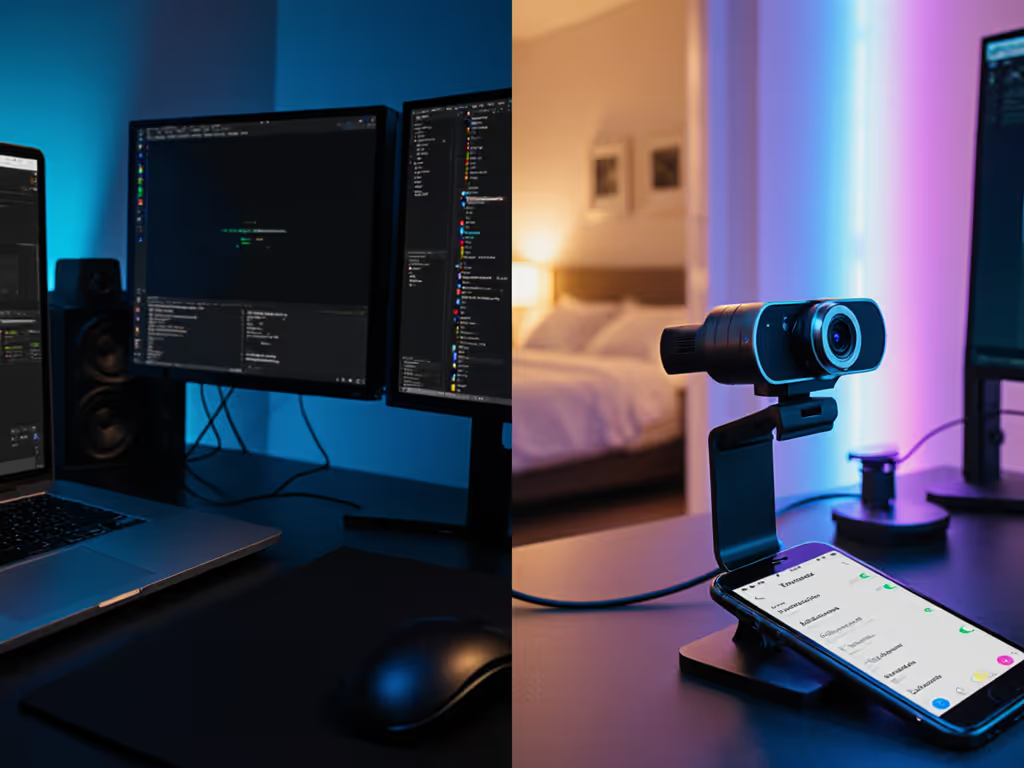
In a bedroom setup or office with mixed LED + window light, a 4K camera's superior light-gathering capacity means less aggressive noise reduction, fewer crushed shadows, and more predictable white balance. To level up consistency fast, follow our streaming lighting setup guide. Skin tones stay accurate instead of drifting green or purple under color-temperature shifts.
Native 1080p in dim light often requires digital gain amplification, which invites noise and can trigger overzealous in-camera noise reduction that turns your face into plastic. A 4K sensor's larger photosites soak up more light naturally, which is always preferable to software band-aids.
Color you can trust, even when the lights disagree.
This isn't about 4K resolution in low light; it's about sensor maturity and the data-gathering advantage that carries through to any output resolution.
The price delta has compressed. A few years ago, 4K webcams started at $300+. Today, budget 4K options exist in the $150 to $199 range with respectable sensor architecture and feature parity to native 1080p models costing $80 to $120.
When you factor in the sensor advantage and platform flexibility, the price difference narrows to a practical trade-off question: Is the risk/reward of 4K hardware worth an extra $50 to $80 for your specific use case?
If you're streaming 30fps, recording locally, working in mixed lighting, or spanning multiple platforms, that gap closes fast. If you're strict Twitch 1080p60 with professional lighting already in place, the premium for 4K sensor hardware may not pay dividends for your scenario.
Unless you have very specific requirements, you can largely stick with a 1080p webcam. This is especially true if you're using additional lighting or conducting your calls in a well-lit environment.
Native 1080p webcams have matured. AI tracking, autofocus, and color science on entry-level models are solid. If your setup includes:
A proven 1080p model removes complexity and uncertainty. Start with our best budget webcams under $100 to pick a reliable 1080p option.
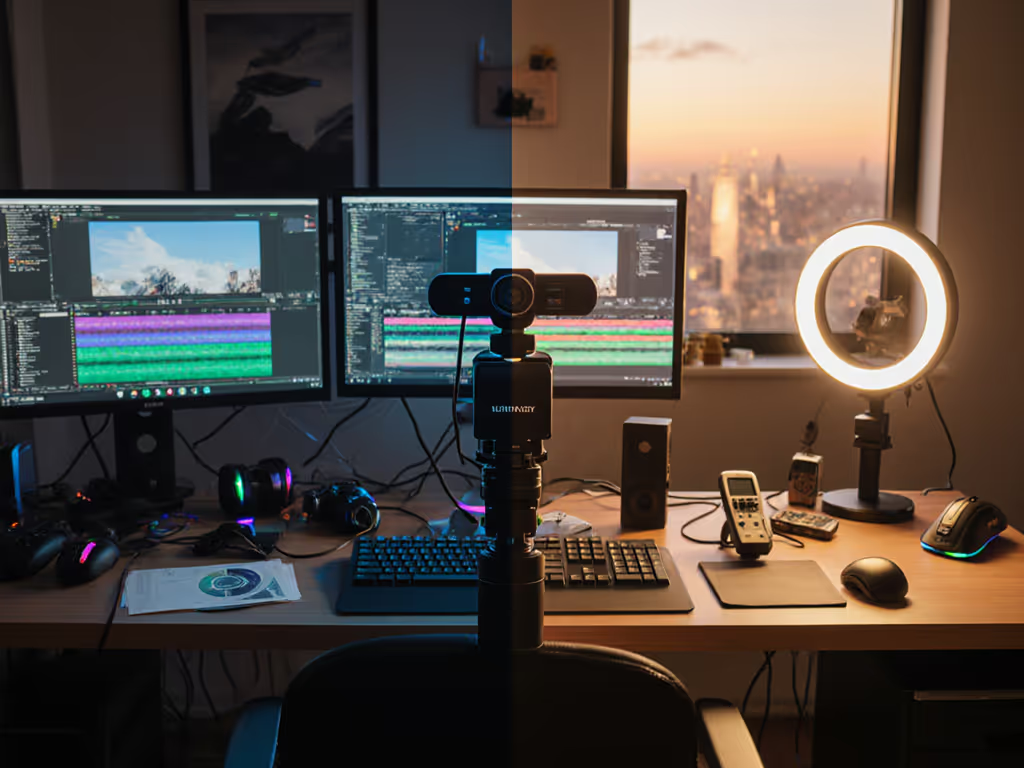
When real-world testing compares budget 4K downscaled to 1080p against native 1080p in equivalent lighting:
Skin tones first. That's where most creators notice the real gap. A 4K sensor's ability to preserve mid-tone nuance and avoid aggressive noise reduction means your face looks like you, not a smoothed interpolation, across multiple lighting scenarios.
Choose budget 4K upscaling (4K sensor downscaled to 1080p) if you:
Choose native 1080p if you:
If you're weighing this decision, test in your actual lighting setup. Bedroom, office, gym, or studio, the sensor advantage only matters if it addresses your specific pain point.
Compare a budget 4K model and a native 1080p option side-by-side in your mixed lighting for 10 to 15 minutes. Look for:
Real footage samples beat spec sheets. Then lock in the look by copying profiles from our OBS webcam configuration guide. The gap between budget 4K and native 1080p is smaller than you might think, but the direction of that gap toward the larger sensor shows up in every dim-light scenario and mixed-color environment where creators typically struggle.
That consistency, that ability to rebuild a trusted look session after session without chasing white balance, that's where the investment in 4K hardware pays off, even if Twitch never sees the pixels.