Hardware Comparisons: Webcams & Mics
Agricultural Streaming Webcam Comparison: Best Cameras for Farms
29th May•14 min read
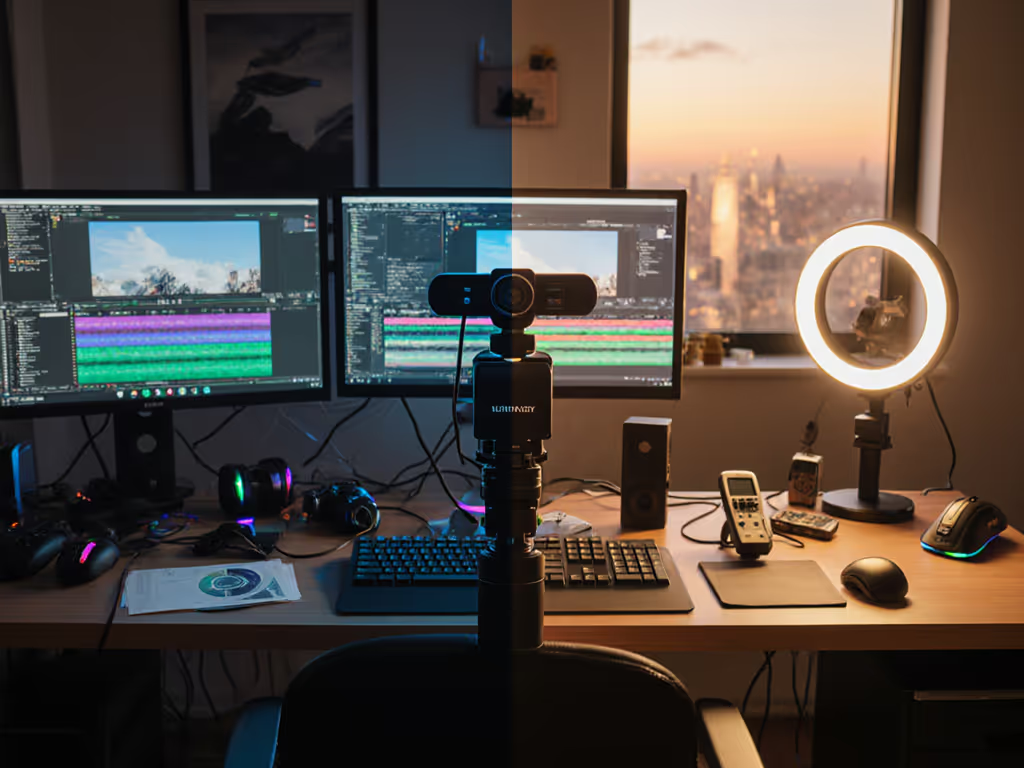
Lights for webcam streaming have become the difference between an audience that stays and one that closes the tab in the first five seconds. But here's what most creators don't test: whether that ring light with adjustable color temperature actually solves your low-light problems better than the built-in lighting many external webcams already include. A built-in vs external lighting comparison isn't just about lumens or warmth, it's about whether your skin tone stays consistent, your detail stays sharp, and your setup stays simple enough to survive a live session without fussing.
When I was backstage at a charity stream a few years back, our gaming cam started drifting a full second behind overlays, and the exposure pulsed every time a light flicker hit. I swapped to a backup webcam with a ring light, hot-patched scene transitions, and matched exposure across OBS and our conferencing feed with a macro that adjusted brightness on the fly. For reproducible results, follow our OBS webcam configuration guide with click-and-replicate profiles. The show landed on time. That scramble taught me something: your lighting choice isn't just aesthetic (it's infrastructure). And infrastructure either works invisibly or breaks visibly, mid-stream.
This guide walks you through a testing protocol to compare built-in webcam lighting against ring lights under real scenarios, so you can pick the one that fits your workflow before going live.
Your viewers don't consciously separate camera quality from lighting quality: they see one image. When that image looks muddy, washed out, or inconsistently toned across sessions, they perceive you as less professional, not your gear. External webcams with integrated ring lights promise control: adjustable brightness, color temperature ranging from cool white to warm orange, and often AI-assisted exposure correction.
Built-in camera lights (found on some external webcams and a few premium laptops) offer fixed or minimally adjustable output. They're simpler, more reliable, and take up zero additional desk space. But simplicity and flexibility are not the same thing. Your pain point isn't theoretical. It's practical: Does your setup hold consistent skin tone under mixed RGB desk lighting? Does your autofocus stay locked when you gesture or move closer? Does the frame rate hold steady, or does exposure adjustment cause stutter? To lock in accurate color, use our webcam calibration guide before testing lights.
The honest answer is that neither built-in lights nor ring lights are universally better. What matters is whether your use case (your room, your distance from the camera, your existing lights, your movement pattern) aligns with what each option can deliver without creating friction.
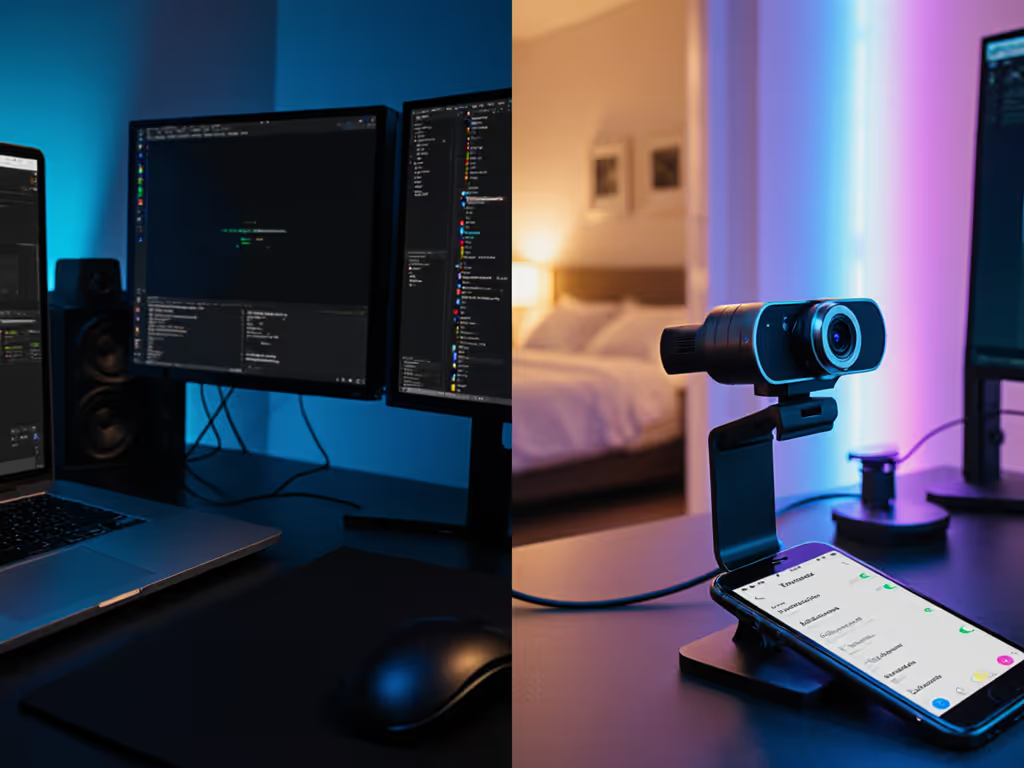
Before comparing, establish a controlled but realistic setting. Creators don't stream from perfectly lit studios; they stream from bedrooms, offices, and small studios with mixed overhead, window, and desk light.
Set up your test space:
Do this before going live with a new lighting setup. A 10-minute test run now prevents a 30-minute troubleshoot during a broadcast.
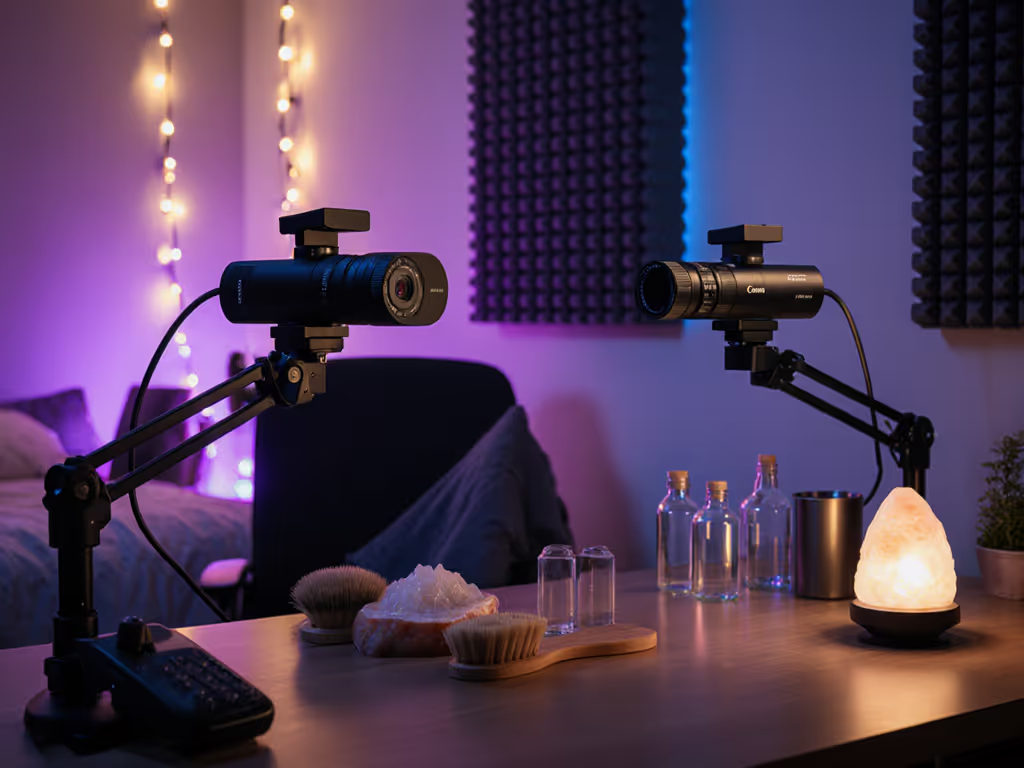
External webcams often include fixed or minimally adjustable ring lights. Start here because it's your baseline: no extra hardware, no USB bandwidth overhead, and no moving parts to adjust mid-stream.
Test built-in lighting across three scenarios:
Close-range clarity (12 to 18 inches): Move your face closer to the camera, as you would during a product demo or beauty tutorial. Watch for:
Mid-range framing (24 to 36 inches): This is your typical talking-head distance. Note:
Low-light scenario (room lights dimmed or off, relying only on camera light): This tests whether the built-in light was actually designed for low-light work or is just a bonus feature. Look for:
Record at least 30 seconds of video in each scenario. Play it back at 100% zoom to catch details that real-time viewing misses.
Ring lights with adjustable brightness and color temperature are built to solve what built-in lights can't: flexibility without a complete lighting redesign. See our lab data in webcam ring lights tested for color accuracy and glare control. They excel at close-range work and low-light conditions because they surround the camera lens, wrapping light around your face with minimal shadows.
Run the same three scenarios with your ring light:
Close-range clarity: Set the ring light to medium brightness and neutral (daylight) color temperature. Compare directly to your built-in lighting test:
Mid-range framing: Adjust ring light brightness so your face appears evenly lit without looking blown-out. Note:
Low-light scenario: Dial the ring light to maximum brightness and take a low-light shot. Compare:
Now overlay both tests. Lighting quality isn't subjective opinion; it's measured by how well the light preserves detail, color accuracy, and skin tone consistency across changing conditions.
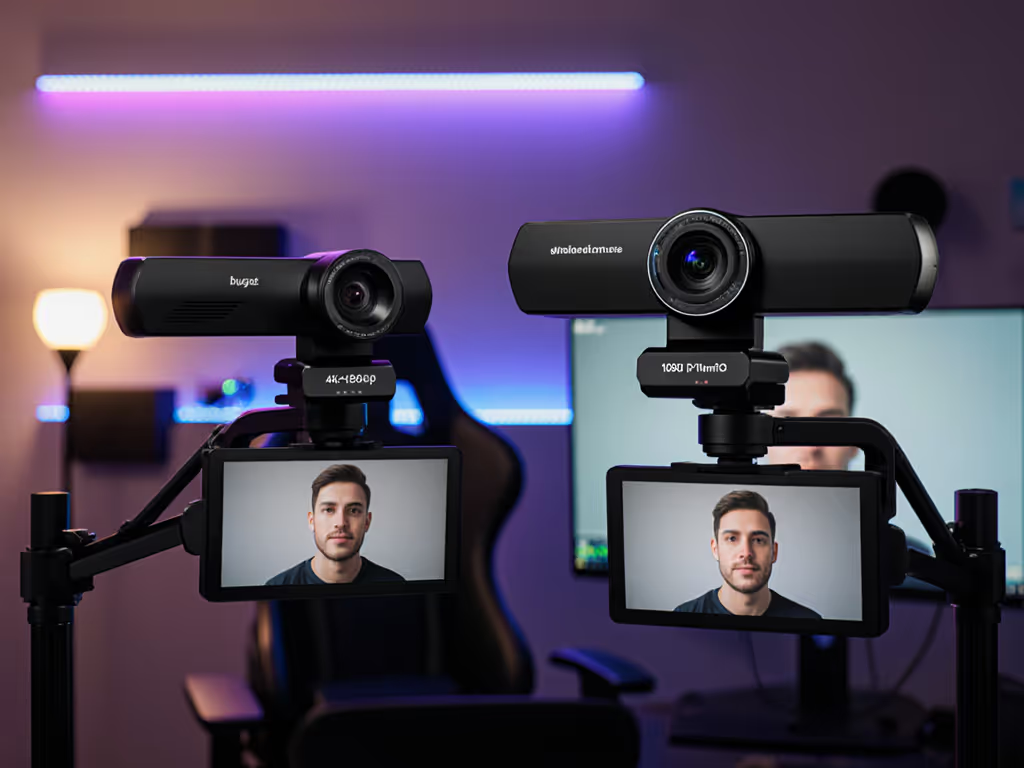
Create a side-by-side comparison:
Built-in lights typically excel at simplicity and consistency; ring lights excel at flexibility and flattery. For a balanced key-fill-back approach, follow our streaming lighting setup to fix flat shadows and skin tones. The trade-off is that ring lights require physical adjustment (moving closer, angling properly, dialing brightness) while built-in lights are always positioned and always on.
Color temperature consistency matters more than brightness. A warm ring light (3200K) can make skin look richer and reduce harshness, especially in footage that will be compressed for YouTube or Twitch. Built-in lights are usually daylight (5500K to 6500K), which is "correct" but can feel clinical. Empathetically speaking: if your audience has watched your streams in warm lighting and now sees you in cool light, they'll perceive a quality drop even if the technical specs are identical.
The best light is the one you don't have to think about during a show. That means checking these before you go live:
Power and positioning:
Software and macro support:
Consistency across sessions:
Fallback and redundancy:
Build a checklist: Verify your lighting setup is positioned, powered, and dialed to the same setting you tested. Do this before going live. A 60-second pre-show check prevents a 5-minute on-stream scramble to dial in your look.
Choose built-in webcam lighting if:
Choose a ring light if:
Your lighting choice is locked to your camera choice, your room geometry, and your audience expectation. Before you buy, test both options if you can borrow a ring light from a creator friend or rent one from a local gear library. Record 15 to 20 minutes of actual content in your real environment, not lab conditions.
Watch your recorded footage on the devices your viewers use (phone, tablet, TV). Twitch and YouTube compress aggressively; what looks perfect on your monitor may look muddy on a phone screen due to color grading and bitrate limits. That compression is where your lighting choice either holds up or falls apart.
If you're scaling to a second camera, match your lighting philosophy: if your ring light delivers your brand signature, invest in a second ring light and run both. If your built-in light is "good enough," stick with external webcams that include integrated lighting. Consistency beats perfection; smooth hands, smooth scenes, zero mid-stream surprises ever.
Start with a 30-minute test in your actual streaming space, record it, and revisit the footage 24 hours later on a fresh monitor. That delayed review catches what real-time viewing misses. Your final answer will be obvious: one will feel like you, and the other will feel like a compromise.
Then lock it in, document your settings (brightness level, color temp if applicable, distance from face, camera height), and make it repeatable. If you'd rather automate color consistency, consider these auto white balance webcams ranked for stability during real streams. That repeatability is what frees your hands and head to focus on the actual performance.